/* update variables when header is on dark background*/
.on-dark-bg {
   --header-bg: var(--current-header-bg);
   --chevron-clr: white;
   --menu-item-clr: white;
   --menu-item-hover-bg: #172235;
   --menu-item-hover-clr: #bc92e6;
   --menu-toggle-clr: var(--menu-item-clr);
   --dropdown-content-border: solid 1px rgb(220 220 220 / 20%);
   --mobile-menu-bg: var(--header-bg);
 }

 .on-light-bg {
   --menu-item-clr: black;
   /* update variables when header is on light background*/
 }


 /* update variable when on dark or light background */
 .on-dark-bg,
 .on-light-bg {
   --overlay-header-bg-active: var(--current-header-bg);
   --dropdown-content-bg: var(--current-header-bg);
 }

 .on-video-section {
   /* update variables when header is on video section*/
   --menu-item-clr: white;
   --chevron-clr: white;
   --menu-item-hover-bg: rgb(0 0 0 / 30%);
   --menu-item-hover-clr: #bc92e6;
   --dropdown-content-bg: rgb(0 0 0 / 70%);
   --overlay-header-bg: rgb(0 0 0 / 25%);
   --overlay-header-bg-active: var(--dropdown-content-bg);
   --dropdown-content-border: solid 1px rgb(220 220 220 / 20%);
   --current-header-bg: rgb(0 0 0 / 14%) !important;
   --header-bg: rgb(0 0 0 / 70%);
   --menu-toggle-clr: white;
   --mobile-menu-bg: rgb(0 0 0 / 95%);
   --menu-cta-border: var(--dropdown-content-border)
 }


 .on-hero-section {
   /* update variables when header is on hero section*/
 }

 /* header bg blure when on video section */
 html:not(.dwc-mobile) .dwc-nest-header.on-video-section {
   backdrop-filter: blur(var(--overlay-header-blur));
 }

 /* overlay header border when on video section or dark background*/
 .dwc-nest-header:is(.on-dark-bg, .on-video-section)[data-overlay-header="true"] {
   border: 1px solid rgba(255, 255, 255, 0.2);
 }

 /* header bottom border when on dark background or video section*/
 .dwc-nest-header:is(.on-dark-bg, .on-video-section) {
   border-bottom: 1px solid rgba(255, 255, 255, 0.2);
 }


 /* logo color when on dark background*/
 .on-dark-bg .dwc-nest-menu__logo path {
   fill: white;
 }

 /* logo color when on light background*/
 .on-dark-bg .dwc-nest-menu__logo path {
   /*define svg fill when logo is on light background */
 }

 /* logo color when on video background*/
 .on-video-section .dwc-nest-menu__logo path {
   fill: white;
 }

/*custom */

.on-dark-bg .mega-menu-magic__menu-icon-large{
   background-color: var(--current-header-bg);
    fill: #bc92e6;
    color: #bc92e6;
}

.on-video-section .mega-menu-magic__menu-icon-large{
   background-color: var(--current-header-bg);
    fill: #bc92e6;
    color: #bc92e6;
}

.on-video-section .mega-menu-magic__dropdown-title,
.on-dark-bg .mega-menu-magic__dropdown-title{
    color: rgb(210 210 210);   
}
// Constants
const BREAKPOINT_DESKTOP = 0;
const DEBOUNCE_DELAY = 50;

// Configuration object for all header-related selectors
const HEADER_CONFIG = {
  // Main header element
  headerElement: '.dwc-nest-header',
  // Wrapper element selectors (can be classes, IDs, or data attributes)
  wrapperSelectors: [
    // '.dwc-nest-header__container'
  ],
  // Elements to monitor for header styling (can include any CSS selector)
  // Default monitors sections, but you can add footer, divs, or any element
  monitoredElements: 'section, [data-header-zone]',
  // Store original header background color
  originalHeaderBgColor: null
};

// Unified section type configuration
// Add new data attributes here - they will be automatically mapped to header classes
const SECTION_TYPES = {
  'data-hero': 'on-hero-section',
  'data-video': 'on-video-section',
  'data-custom': 'on-custom-section',
  'data-sticky': 'on-media-section'
  // Add new: 'data-feature': 'on-feature-section'
};

// Configuration for excluded sections
const EXCLUSION_CONFIG = {
  // Data attribute that identifies sections to exclude from header styling
  sectionAttribute: 'data-exclude-header'
};

// Text color classes
const TEXT_CLASSES = {
  light: 'on-dark-bg',
  dark: 'on-light-bg'
};

// Generate classes to remove dynamically from SECTION_TYPES and text classes
const ALL_CLASSES_TO_REMOVE = [
  // Add all header classes from section types
  ...Object.values(SECTION_TYPES),
  // Add text color classes
  TEXT_CLASSES.light,
  TEXT_CLASSES.dark
];

// Performance optimization: Cache DOM elements and computed values
const CACHE = {
  headerElement: null,
  wrapperElement: null,
  sections: [],
  sectionsData: new Map(),
  colorCache: new Map(),
  tempColorElement: null,
  lastKnownSection: null,
  isUpdating: false,
  pendingColorUpdate: false
};

// Initialize cache
function initializeCache() {
  // Cache header elements
  CACHE.headerElement = document.querySelector(HEADER_CONFIG.headerElement);
  
  // Try each wrapper selector until one is found
  for (const selector of HEADER_CONFIG.wrapperSelectors) {
    CACHE.wrapperElement = document.querySelector(selector);
    if (CACHE.wrapperElement) break;
  }
  
  // Cache sections and their positions
  CACHE.sections = Array.from(document.querySelectorAll(HEADER_CONFIG.monitoredElements));
  
  // Create reusable element for color calculations
  CACHE.tempColorElement = document.createElement('div');
  CACHE.tempColorElement.style.position = 'absolute';
  CACHE.tempColorElement.style.visibility = 'hidden';
  CACHE.tempColorElement.style.pointerEvents = 'none';
  document.body.appendChild(CACHE.tempColorElement);
  
  // Cache section metadata
  updateSectionsCache();
}

// Update sections cache (call when DOM changes)
function updateSectionsCache() {
  CACHE.sections = Array.from(document.querySelectorAll(HEADER_CONFIG.monitoredElements));
  CACHE.sectionsData.clear();
  
  CACHE.sections.forEach((section, index) => {
    const sectionData = {
      index,
      isExcluded: section.hasAttribute(EXCLUSION_CONFIG.sectionAttribute)
    };
    
    // Dynamically check for all section types defined in SECTION_TYPES
    Object.keys(SECTION_TYPES).forEach(attribute => {
      sectionData[attribute] = section.hasAttribute(attribute);
    });
    
    CACHE.sectionsData.set(section, sectionData);
  });
}

// Function to remove all section classes from :root only
function removeAllSectionClasses() {
  const rootElement = document.documentElement;
  
  // Remove classes from :root only
  rootElement.classList.remove(...ALL_CLASSES_TO_REMOVE);
}

// Function to update the CSS variable on :root
function updateRootBackgroundVariable(color) {
  document.documentElement.style.setProperty('--current-header-bg', color);
}

// Function to apply classes to :root only
function applyClassesToRoot(headerClass, textClass) {
  const rootElement = document.documentElement;
  
  // Apply header class to :root only
  if (headerClass) {
    rootElement.classList.add(headerClass);
  }
  
  // Apply text class to :root only
  if (textClass) {
    rootElement.classList.add(textClass);
  }
}

// Optimized color conversion using cached temp element
function getRGBValues(color) {
  const cacheKey = color;
  if (CACHE.colorCache.has(cacheKey)) {
    return CACHE.colorCache.get(cacheKey);
  }
  
  CACHE.tempColorElement.style.color = color;
  const computedColor = window.getComputedStyle(CACHE.tempColorElement).color;
  
  // Extract RGB values
  const match = computedColor.match(/rgba?\((\d+),\s*(\d+),\s*(\d+)/);
  const result = match ? {
    r: parseInt(match[1]),
    g: parseInt(match[2]),
    b: parseInt(match[3])
  } : { r: 255, g: 255, b: 255 };
  
  // Cache the result
  CACHE.colorCache.set(cacheKey, result);
  return result;
}

// Function to check if a background color is transparent or empty
function isBackgroundTransparent(color) {
  if (!color) return true;
  
  const transparentValues = [
    'transparent',
    'rgba(0, 0, 0, 0)',
    'rgba(0,0,0,0)',
    'initial',
    'inherit',
    ''
  ];
  
  return transparentValues.includes(color.toLowerCase().replace(/\s/g, ''));
}

// Function to determine if a color is dark or light
function isColorDark(color) {
  if (color === 'transparent' || color === 'rgba(0, 0, 0, 0)') {
    return false;
  }
  
  const rgb = getRGBValues(color);
  const luminance = (0.299 * rgb.r + 0.587 * rgb.g + 0.114 * rgb.b) / 255;
  return luminance < 0.5;
}

// Optimized section detection using cached data
function getCurrentSection() {
  if (!CACHE.headerElement || CACHE.sections.length === 0) return null;
  
  const headerHeight = CACHE.headerElement.offsetHeight;
  
  // Quick check if we're still in the same section
  if (CACHE.lastKnownSection) {
    const rect = CACHE.lastKnownSection.getBoundingClientRect();
    if (rect.top <= headerHeight && rect.bottom > headerHeight) {
      return CACHE.lastKnownSection;
    }
  }
  
  // Binary search would be ideal here, but simple loop is sufficient for most cases
  for (const section of CACHE.sections) {
    const rect = section.getBoundingClientRect();
    if (rect.top <= headerHeight && rect.bottom > headerHeight) {
      CACHE.lastKnownSection = section;
      return section;
    }
  }
  
  const firstSection = CACHE.sections[0] || null;
  CACHE.lastKnownSection = firstSection;
  return firstSection;
}

// Function to get computed background color with caching
function getComputedBackgroundColor(element) {
  const cacheKey = element;
  if (CACHE.colorCache.has(cacheKey)) {
    return CACHE.colorCache.get(cacheKey);
  }
  
  const bgColor = window.getComputedStyle(element).backgroundColor;
  CACHE.colorCache.set(cacheKey, bgColor);
  return bgColor;
}

// Function to initialize original header background color
function initializeOriginalHeaderBgColor() {
  if (CACHE.headerElement) {
    HEADER_CONFIG.originalHeaderBgColor = window.getComputedStyle(CACHE.headerElement).backgroundColor;
  }
}

// Function to determine header style configuration based on section
function determineHeaderConfig(section) {
  if (!section) return null;
  
  const sectionData = CACHE.sectionsData.get(section);
  if (!sectionData) return null;
  
  // If section is excluded, return null to skip styling
  if (sectionData.isExcluded) {
    return null;
  }
  
  // Dynamically check for any section type defined in SECTION_TYPES
  for (const [attribute, headerClass] of Object.entries(SECTION_TYPES)) {
    if (sectionData[attribute]) {
      return {
        backgroundColor: null,
        headerClass: headerClass,
        needsWhiteText: null,
        isSpecialSection: true
      };
    }
  }
  
  // Get the actual background color of the section
  const sectionBgColor = getComputedBackgroundColor(section);
  
  if (isBackgroundTransparent(sectionBgColor)) {
    return {
      backgroundColor: HEADER_CONFIG.originalHeaderBgColor || 'rgb(255, 255, 255)',
      headerClass: null,
      needsWhiteText: isColorDark(HEADER_CONFIG.originalHeaderBgColor || 'rgb(255, 255, 255)'),
      isSpecialSection: false
    };
  }
  
  const needsWhiteText = isColorDark(sectionBgColor);
  
  return {
    backgroundColor: sectionBgColor,
    headerClass: null,
    needsWhiteText: needsWhiteText,
    isSpecialSection: false
  };
}

// Function to apply styles (background color to header, classes to :root only)
function applyHeaderStyles(config) {
  if (!CACHE.headerElement || !config) return;
  
  const elementsToStyle = [CACHE.headerElement, CACHE.wrapperElement].filter(Boolean);
  
  // Use requestAnimationFrame for smooth visual updates
  requestAnimationFrame(() => {
    // First, remove all section classes and text classes from :root only
    removeAllSectionClasses();
    
    // Update the root CSS variable with background color
    if (config.backgroundColor !== null) {
      const appliedBgColor = config.backgroundColor || '';
      updateRootBackgroundVariable(appliedBgColor);
    } else {
      updateRootBackgroundVariable('');
    }
    
    // Determine text class to apply
    const textClass = config.needsWhiteText !== null 
      ? (config.needsWhiteText ? TEXT_CLASSES.light : TEXT_CLASSES.dark)
      : null;
    
    // Apply classes to :root only
    applyClassesToRoot(config.headerClass, textClass);
    
    // Handle background color on header elements only
    elementsToStyle.forEach(element => {
      if (config.backgroundColor !== null) {
        const appliedBgColor = config.backgroundColor || '';
        element.style.backgroundColor = appliedBgColor;
      } else {
        element.style.backgroundColor = '';
      }
    });
    
    // For special sections, allow CSS to apply first, then get computed background color
    if (config.isSpecialSection && config.headerClass) {
      // Use setTimeout(0) to ensure CSS has been applied, but batch multiple calls
      if (!CACHE.pendingColorUpdate) {
        CACHE.pendingColorUpdate = true;
        setTimeout(() => {
          // Process all elements that need color updates in this batch
          elementsToStyle.forEach(el => {
            // Check if element has any of the section classes (though they're not applied anymore)
            const hasSectionClass = Object.values(SECTION_TYPES).some(className => 
              el.classList.contains(className)
            );
            
            if (hasSectionClass) {
              const computedBgColor = getComputedBackgroundColor(el);
              updateRootBackgroundVariable(computedBgColor);
            }
          });
          CACHE.pendingColorUpdate = false;
        }, 50);
      }
    }
    
    CACHE.isUpdating = false;
  });
}

// Throttled update function using requestAnimationFrame
function updateHeaderStyles() {
  // Prevent multiple updates in the same frame
  if (CACHE.isUpdating) return;
  
  // Apply only on screens larger than the breakpoint
  if (window.innerWidth <= BREAKPOINT_DESKTOP) {
    return;
  }
  
  CACHE.isUpdating = true;
  
  const currentSection = getCurrentSection();
  if (!currentSection) {
    CACHE.isUpdating = false;
    return;
  }
  
  const headerConfig = determineHeaderConfig(currentSection);
  if (!headerConfig) {
    CACHE.isUpdating = false;
    return;
  }
  
  applyHeaderStyles(headerConfig);
}

// Debounce function for resize events (less frequent)
function debounce(func, wait) {
  let timeout;
  return function executedFunction(...args) {
    const later = () => {
      clearTimeout(timeout);
      func(...args);
    };
    clearTimeout(timeout);
    timeout = setTimeout(later, wait);
  };
}

// RAF-based throttle for scroll events
let rafId = null;
function throttleWithRAF(func) {
  return function(...args) {
    if (rafId) return;
    
    rafId = requestAnimationFrame(() => {
      func.apply(this, args);
      rafId = null;
    });
  };
}

// Initialize everything
function initialize() {
  initializeCache();
  initializeOriginalHeaderBgColor();
  updateHeaderStyles();
}

// Cleanup function
function cleanup() {
  if (CACHE.tempColorElement && CACHE.tempColorElement.parentNode) {
    CACHE.tempColorElement.parentNode.removeChild(CACHE.tempColorElement);
  }
  if (rafId) {
    cancelAnimationFrame(rafId);
  }
}

// Initialize on page load
if (document.readyState === 'loading') {
  document.addEventListener('DOMContentLoaded', initialize);
} else {
  initialize();
}

// Create optimized event handlers
const throttledUpdateHeaderStyles = throttleWithRAF(updateHeaderStyles);
const debouncedUpdateHeaderStyles = debounce(() => {
  updateSectionsCache(); // Refresh cache on resize
  updateHeaderStyles();
}, DEBOUNCE_DELAY);

// Add event listeners with passive option for better performance
window.addEventListener('scroll', throttledUpdateHeaderStyles, { passive: true });
window.addEventListener('resize', debouncedUpdateHeaderStyles, { passive: true });

// Cleanup on page unload
window.addEventListener('beforeunload', cleanup);

Case studies

Color Psychology & How it Affects Your Fitness Center

According to behavioral psychologists, color affects a person’s mind as well as body. Light enters from eyes and skin, travels through neurological pathways and affects the pineal gland in the brain, which in turn affects our body, mind, and emotions.

Color psychology in fitness centers

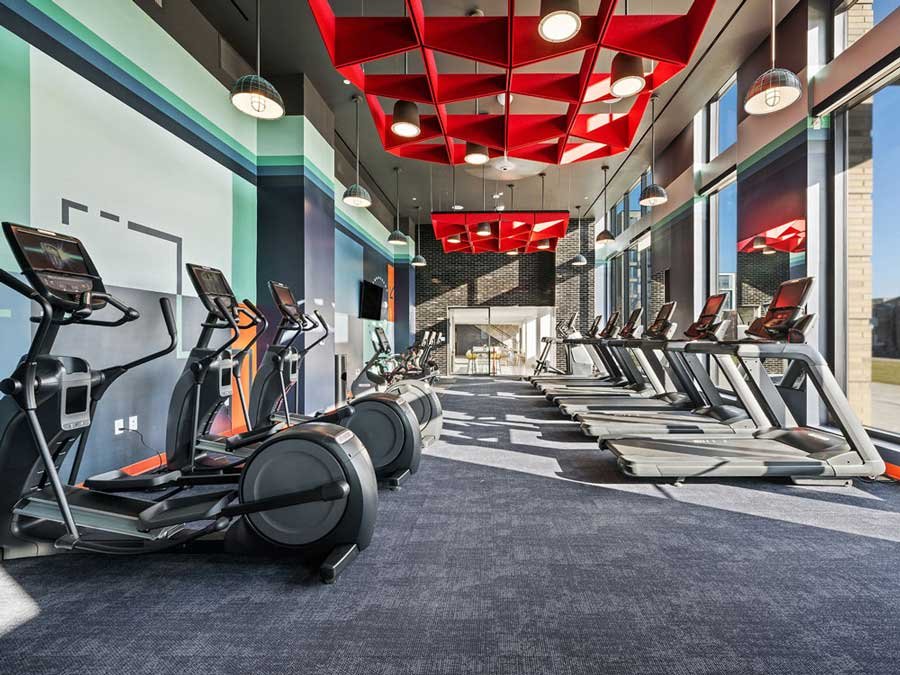
Choosing the right colors when designing a gym is crucial as it can significantly influence the atmosphere and effectiveness of the space. The colors you select can create an environment that either motivates and energizes gym-goers or one that may inadvertently cause stress and discomfort. For instance, bright and vibrant colors like red and orange can stimulate and invigorate, making them ideal for areas where high energy and motivation are desired. On the other hand, calming hues like blue and green can help create a serene and focused environment, perfect for yoga studios or relaxation zones within the gym. Balancing colors effectively ensures that each area of the gym serves its intended purpose, fostering a positive and productive workout experience.

According to behavioral psychologists, color affects a person’s mind as well as body. Light enters from eyes and skin, travels through neurological pathways and affects the pineal gland in the brain, which in turn affects our body, mind, and emotions. Colors can help energize your workouts, so here are the best colors for gyms or fitness centers.


Red Color Psychology and how it affects your fitness center

Red Fitness Centers

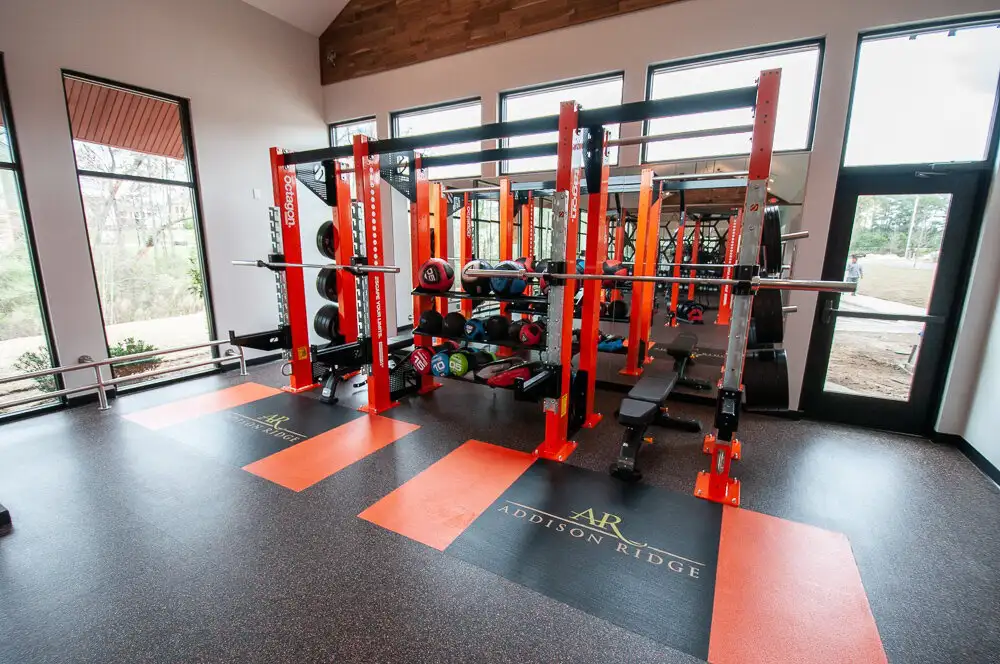
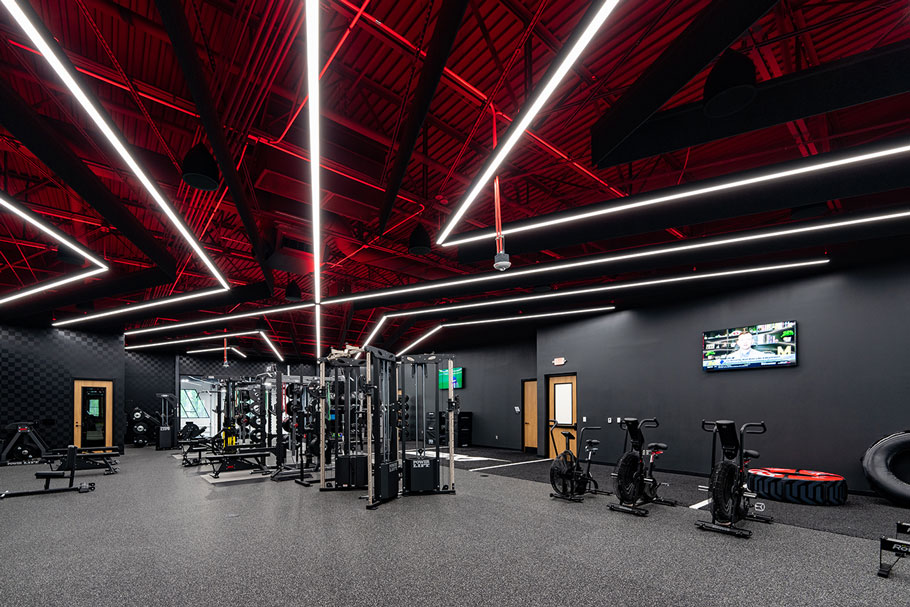
Red is a dynamic, powerful color that is very physical. It is energizing and can also portray friendliness and strength. It catches attention easily and is very powerful as an accent color. However, going all red is not advisable because it can cause aggression and agitation. Mixing red with other colors like white maintains a color balance and motivates your patrons while avoiding over-aggressive behavior.

Yellow color psychology and how it affects your gym


Orange
Fitness Centers

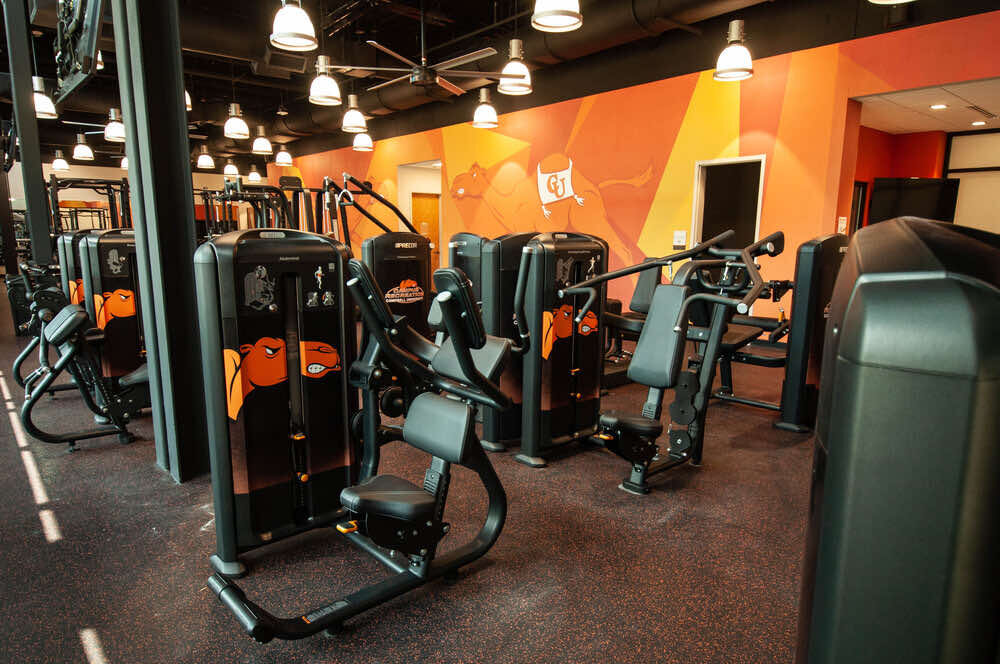
Orange is a combination of red’s power and energy and the friendliness and fun of yellow. Orange represents motivation, positive attitude, and enthusiasm. It is a great color for sporting events and sports teams. However, like red, it can be overpowering. Mixing it with accent colors is guaranteed to give it power without it becoming overwhelming.

blue color psychology and how it affects your fitness center

Blue Fitness Centers

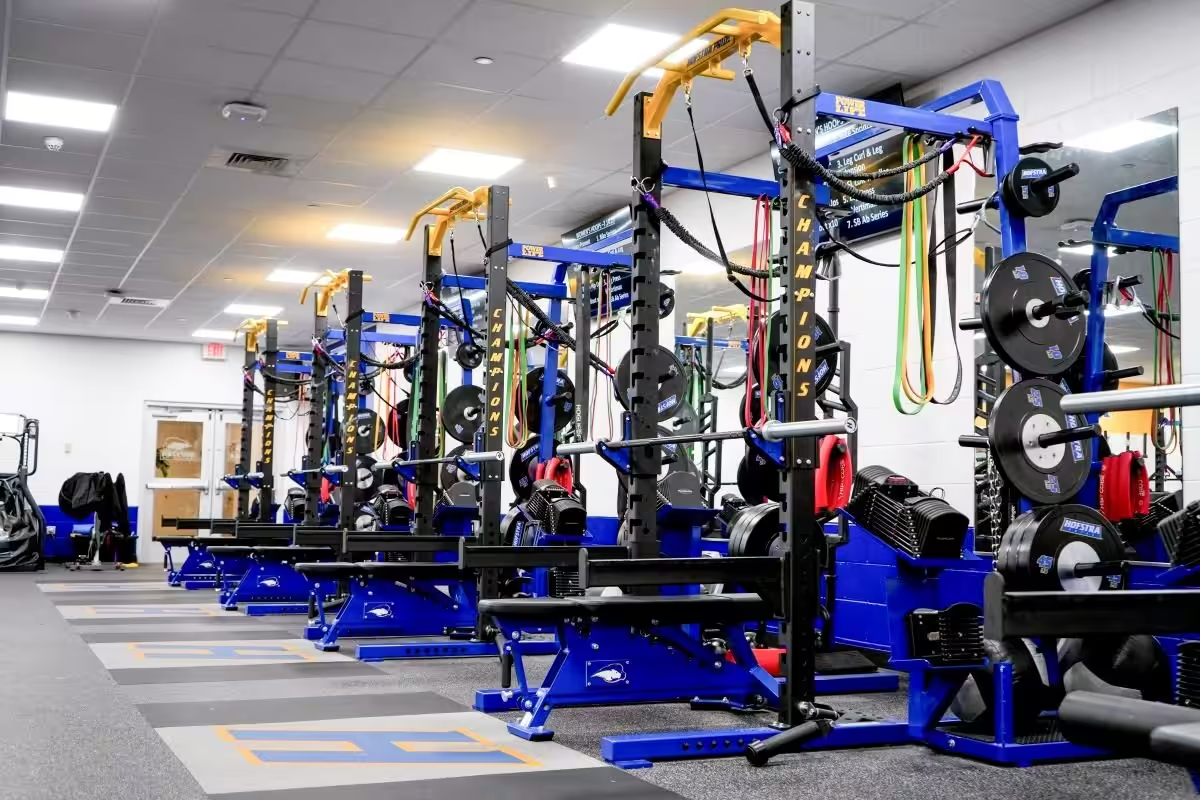
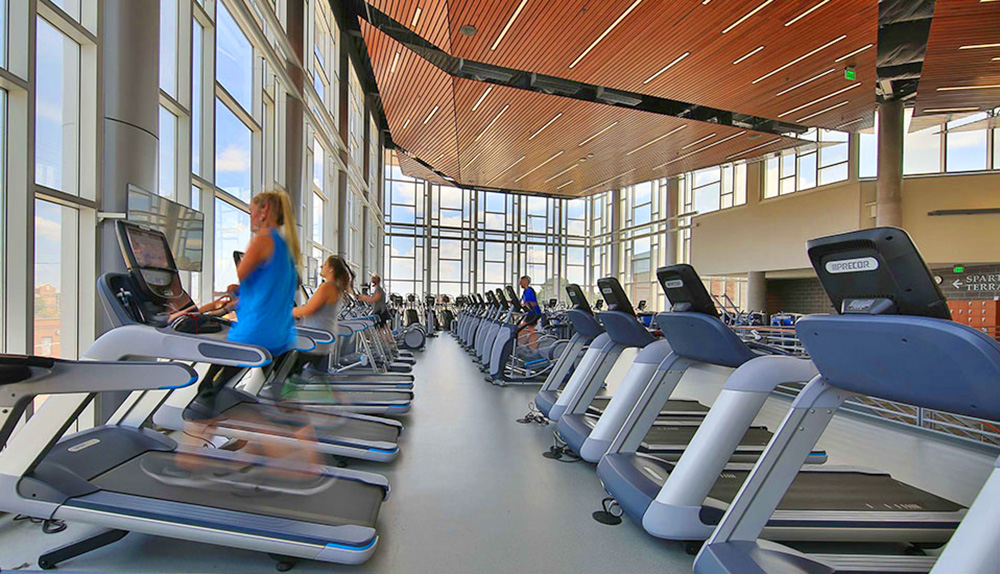
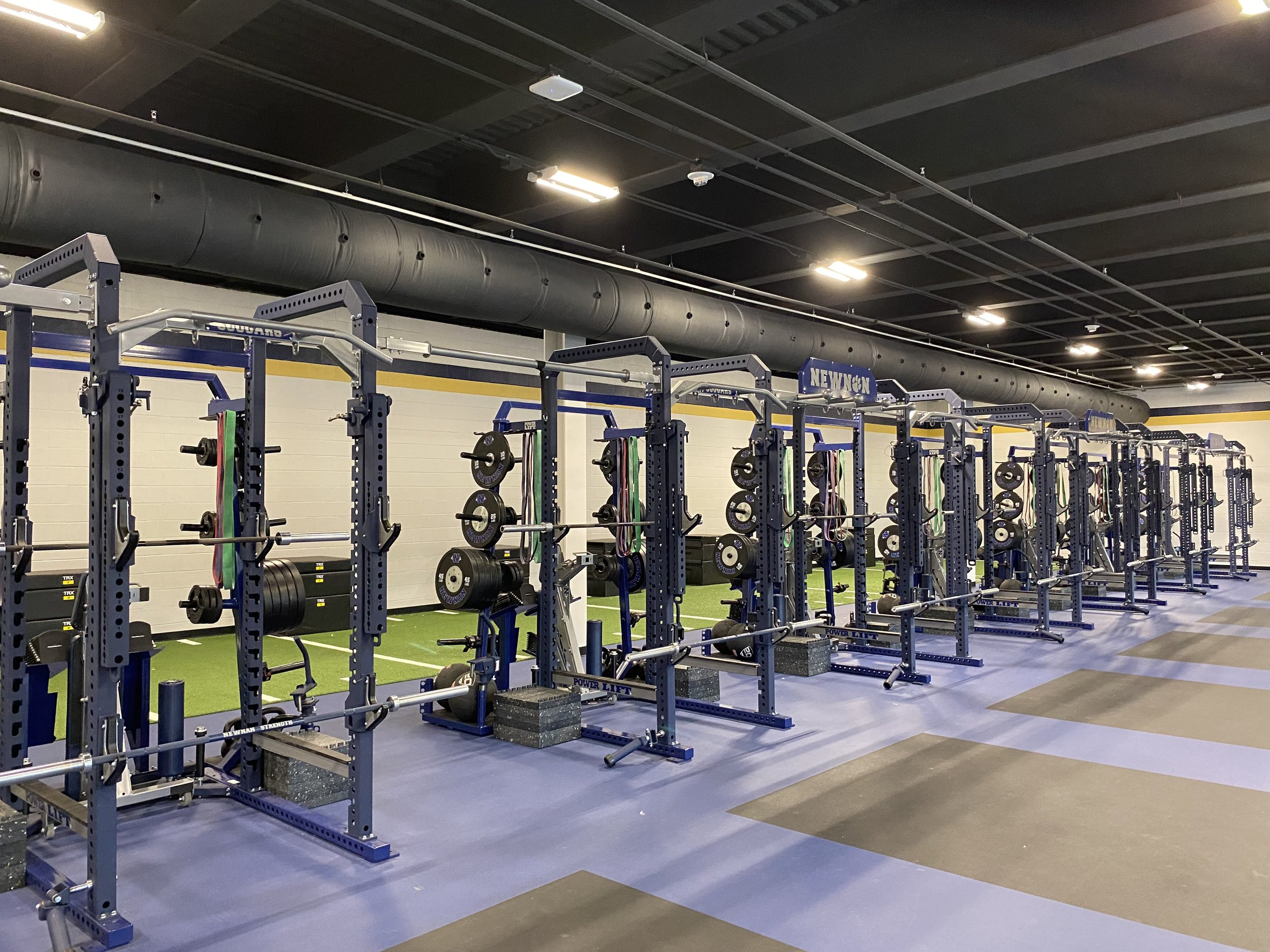
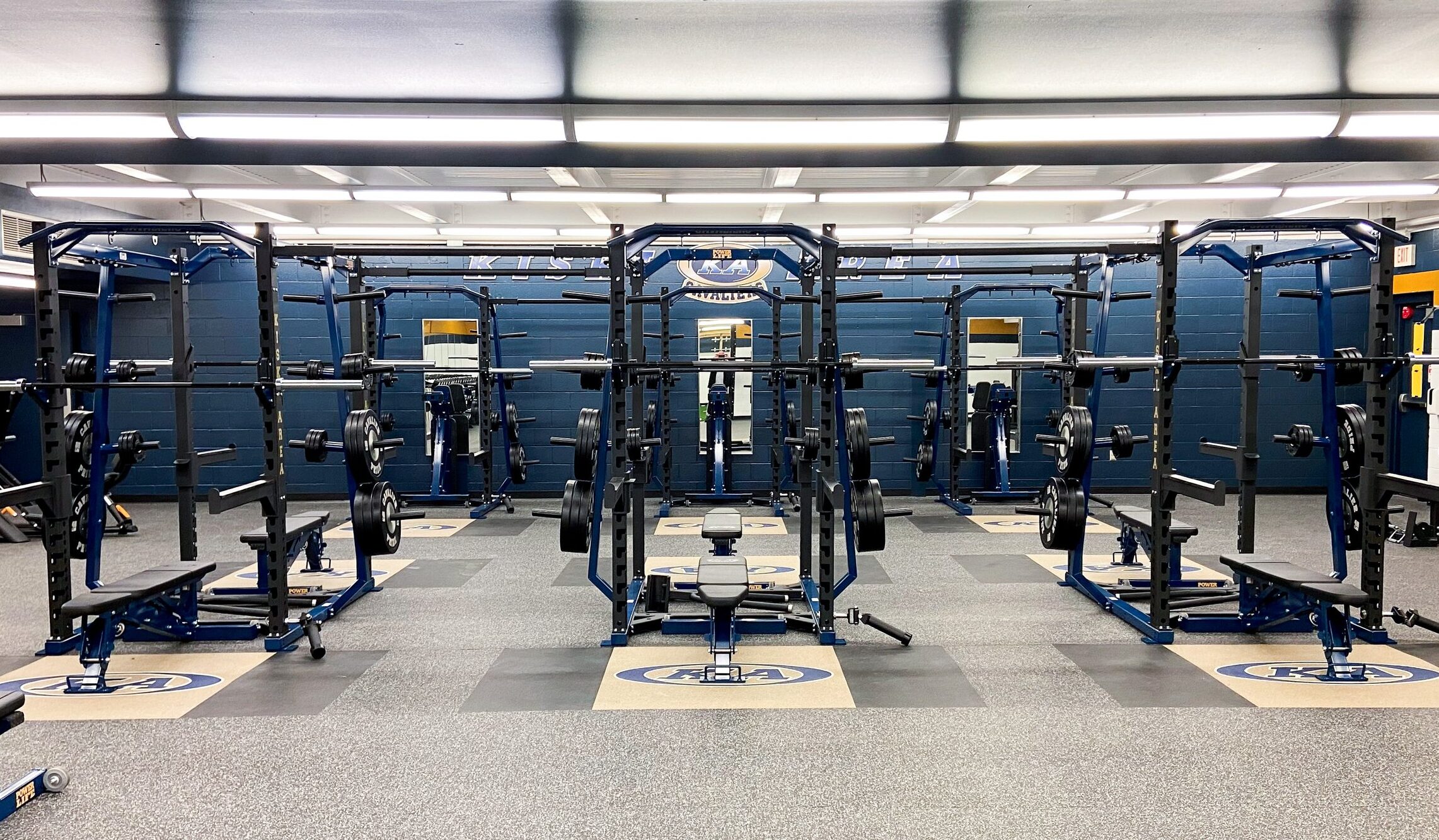
Blue is most often known for representing trust and stability. It also boosts productivity and can encourage people to do more at the gym. Blue objects appear less heavy when compared to red objects, which would make them better suited for heavier weight lifting equipment. Blue is also one of the last colors to be seen, and can be perceived as distant or cold if used too much.
green color psychology for fitness center

Green Fitness Centers

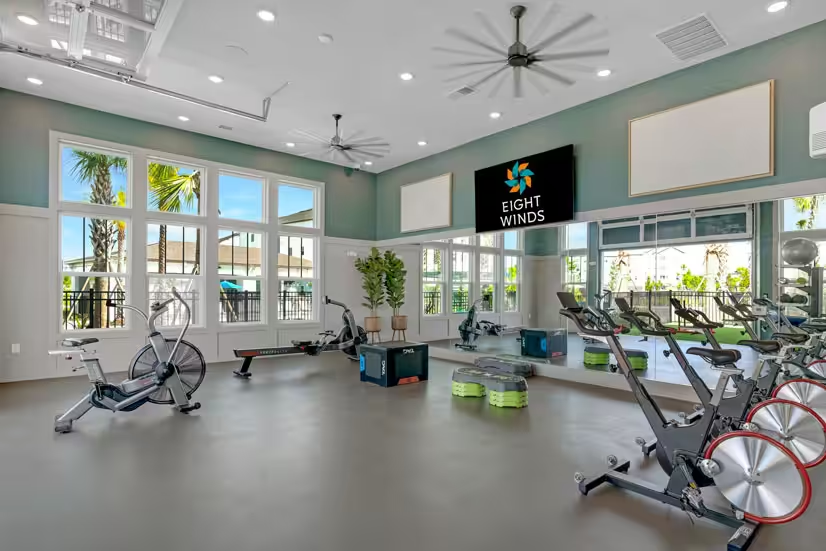
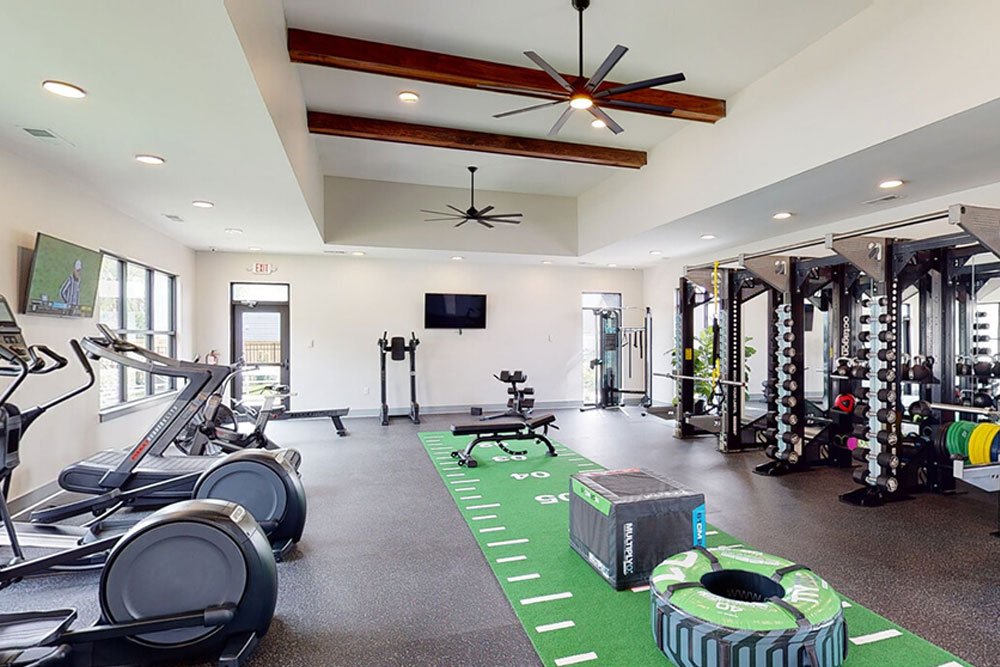
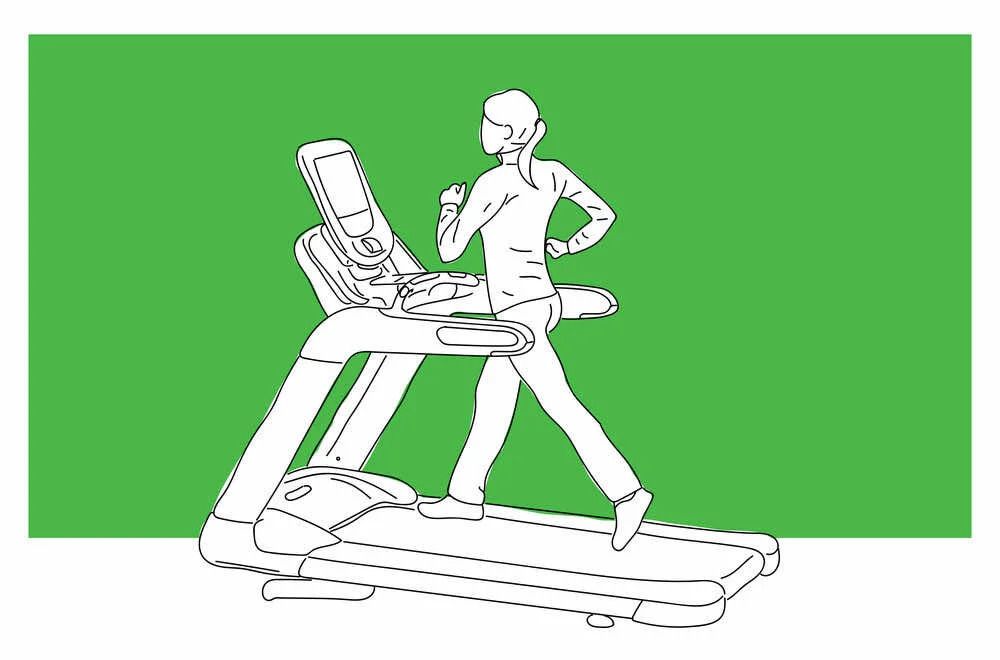
Green is the color of balance and harmony. It symbolizes nature, which not only relaxes the body but also energizes it. It is also a sign of growth. If you are looking to exude health, rest, and stress relief, green is a great color for a pilates studio or yoga studio.

Color-Psychology-05-compressed.jpg

Pink Fitness Centers

Pink and pastel colors are shown to help calm the mind. If you have a yoga room or resting area, pink is the best color for absolute calm. Pink is a softer and less intense version of red that creates a sense of compassion, love, caring, understanding, and nurturing. However, if too much pink is used it can be very draining and appear immature. Combine with a good balancing color for your gym flooring.
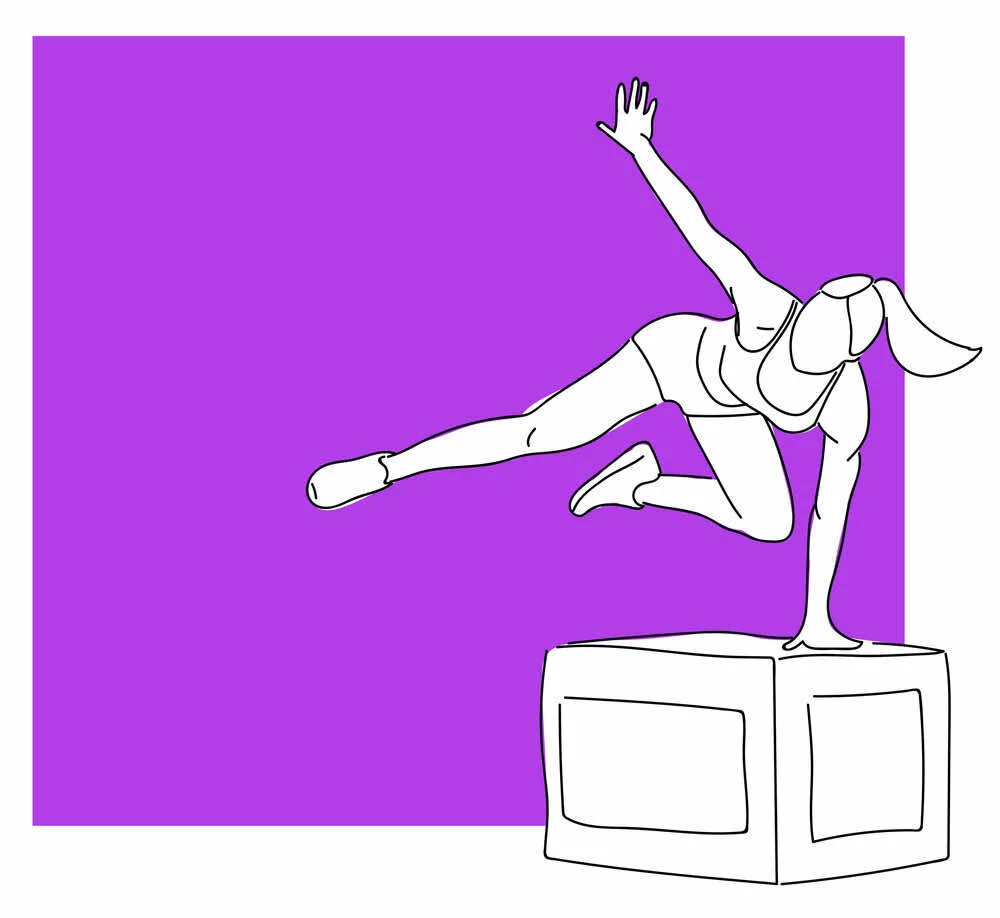
how purple affects gym members psychology

Purple Fitness Centers

Purple symbolizes power, nobility, luxury, and ambition. Creativity is most often associated with the color purple. If you are looking for a color to sooth and motivate, purple is a good color. Its intensity can be a great motivator, but it can also be distracting and lead to a lack of concentration.
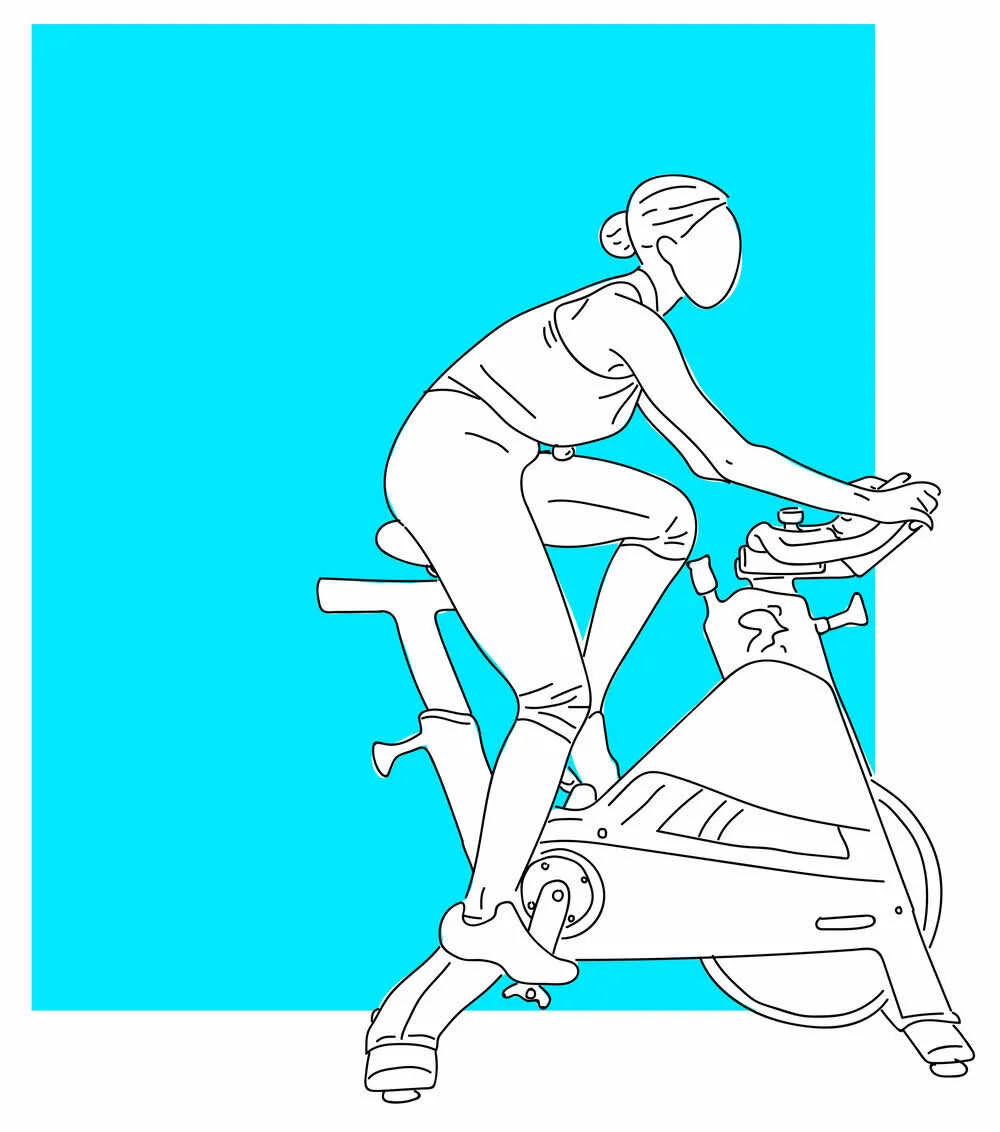
Color-Psychology-07-compressed.jpg

Neon Fitness Centers

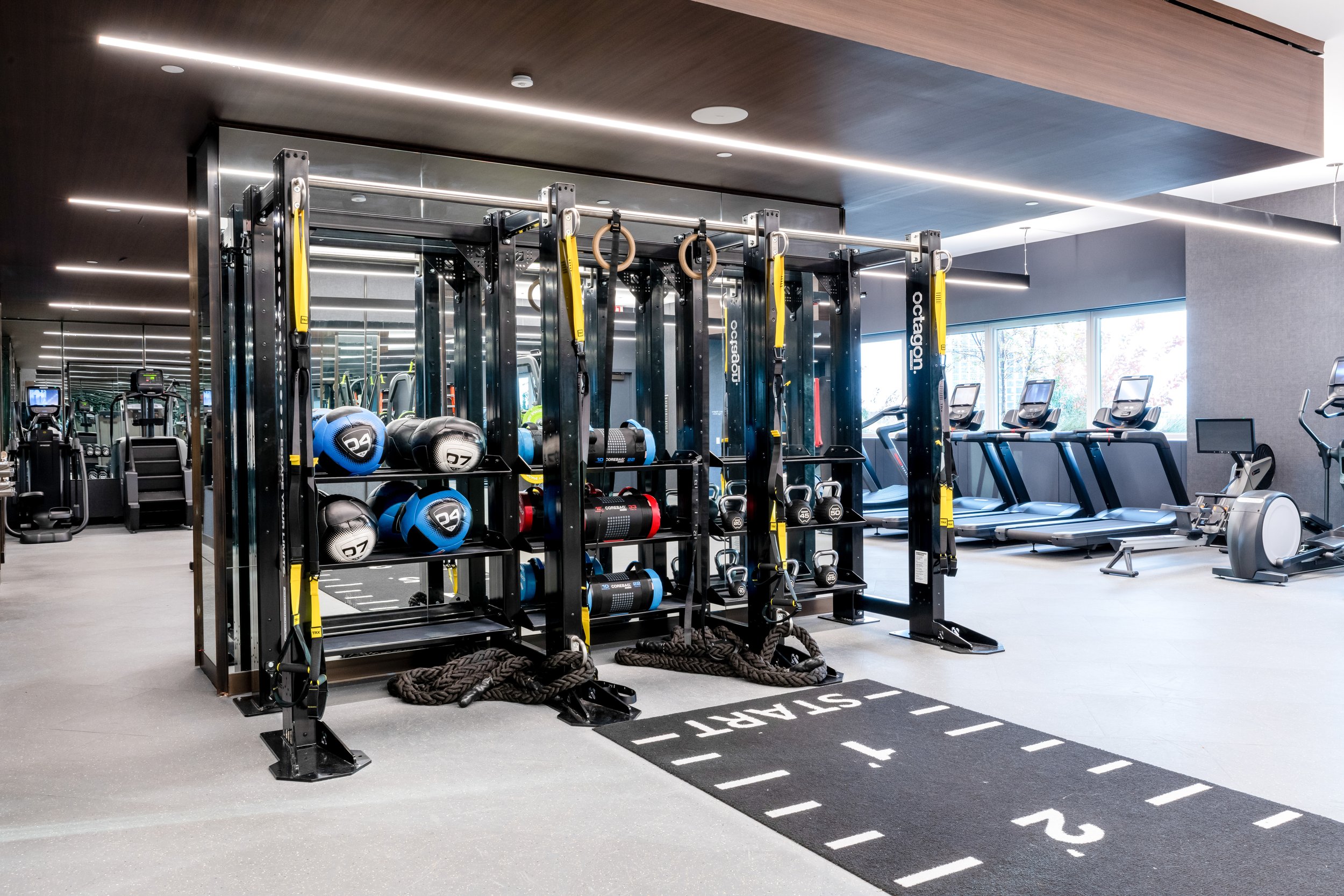
Neon bright colors are stimulating and energetic. Adding a touch of them to a group fitness room or cardio space can give people the energy to get through a workout. Don’t overdo it though, too much neon can add stress and visual strain.


Fitness Colors in Gym Design

The strategic use of color psychology in gym and fitness center design is a powerful tool that can enhance the overall workout experience for your exercisers. By carefully selecting and balancing colors, you can create an environment that not only energizes and motivates but also calms and focuses. Whether it’s the invigorating impact of red and orange or the soothing effects of blue and green, each color plays a unique role in influencing emotions and behaviors. As you plan or update your fitness space, remember that the right colors can make all the difference in promoting a positive, productive, and enjoyable atmosphere for everyone who walks through your doors. With thoughtful color choices, your gym can become a dynamic and inspiring place that supports the physical and mental well-being of your community. Partnering with experts in gym design and installation can help you choose the right motivational colors for your new fitness center. Contact ASF for a free consultation today!

ASF: Your Source for Gym or Fitness Center Planning and Design

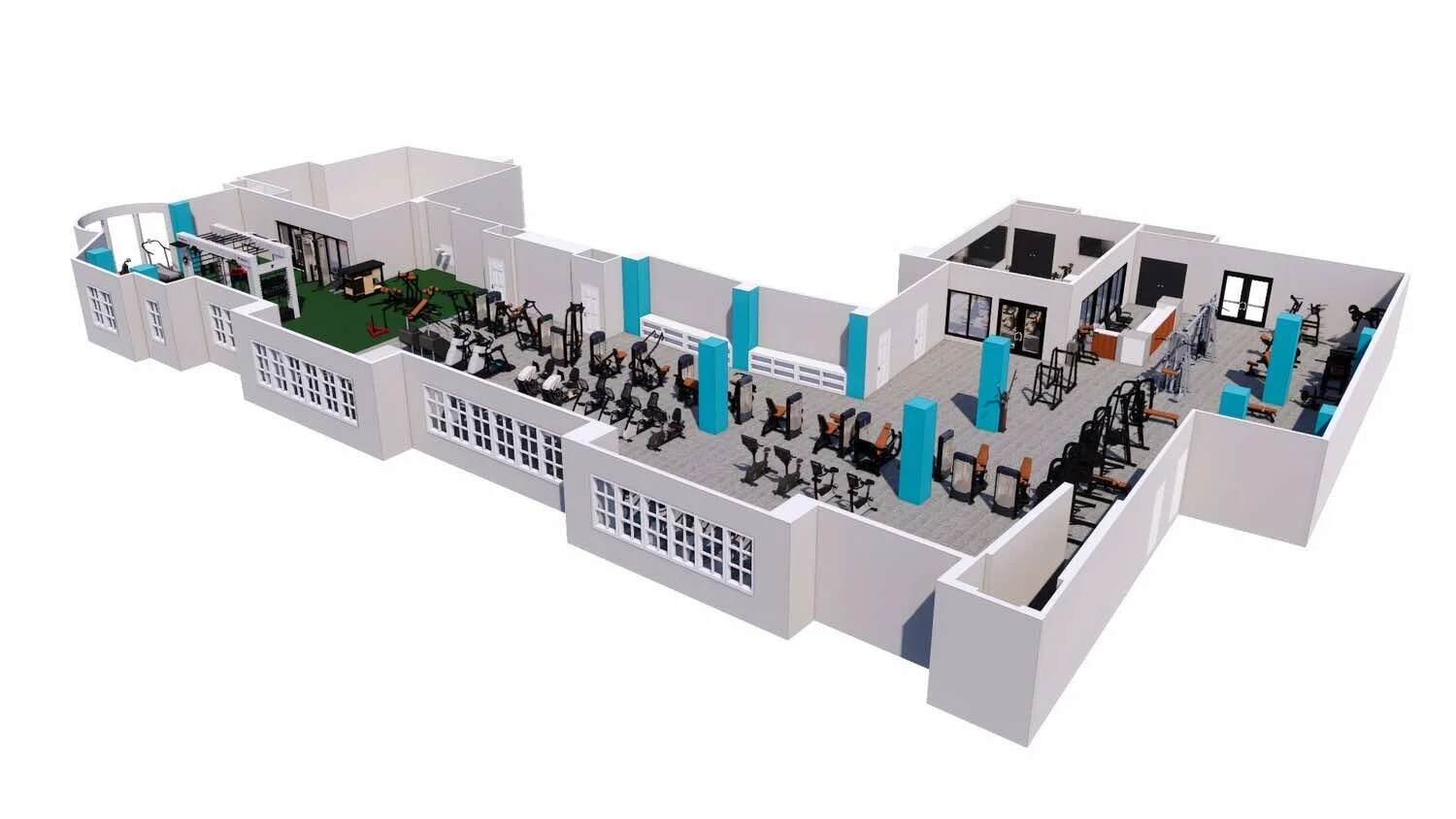
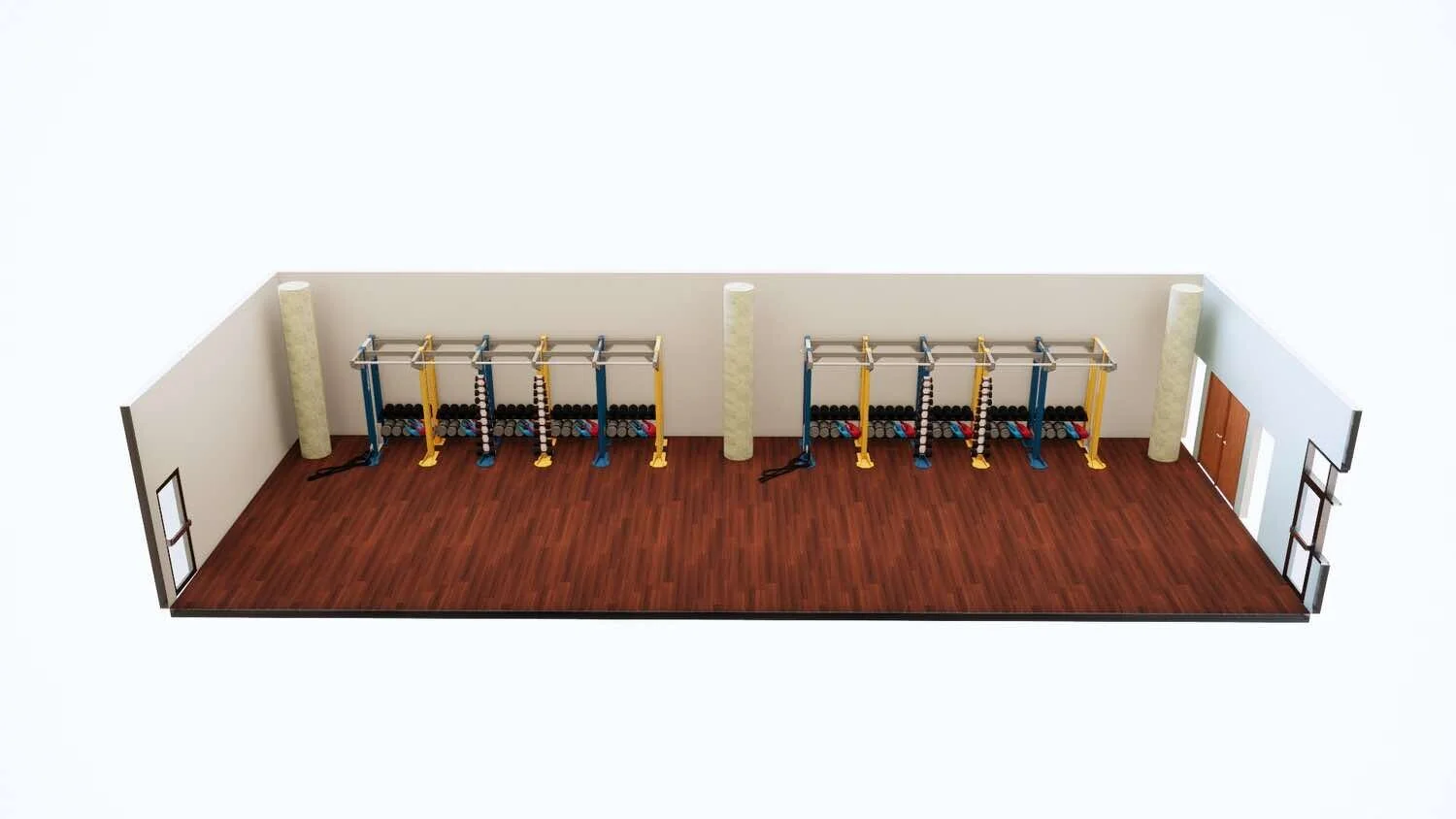
Are you looking to create or update your facility’s gym or fitness center? Advantage Sport & Fitness offers gym planning and design services. With premium fitness equipment sales, delivery, installation, and maintenance plans, ASF offers everything your school, business, or multifamily housing unit needs to create a top-of-the-line gym.

Request a free consultation today!

We offer expert Fitness Facility Design Services And a full selection of commercial fitness equipment

We partner with clients in the eastern United States to create dynamic, engaging gyms and fitness centers. If you are ready to discuss designing or redesigning your fitness space, contact us to start the conversation.
Ready to start your next project? Reach out to the Advantage team today.

Our services

We are ready to support your facility in every phase.

Partner Brands

Explore our collection of partner brands.

All Partner Brands
Case Studies

Examples of our work.

All Case Studies