Opens in a new tab
 /* update variables when header is on dark background*/
.on-dark-bg {
   --header-bg: var(--current-header-bg);
   --chevron-clr: white;
   --menu-item-clr: white;
   --menu-item-hover-bg: #172235;
   --menu-item-hover-clr: #bc92e6;
   --menu-toggle-clr: var(--menu-item-clr);
   --dropdown-content-border: solid 1px rgb(220 220 220 / 20%);
   --mobile-menu-bg: var(--header-bg);
 }

 .on-light-bg {
   --menu-item-clr: black;
   /* update variables when header is on light background*/
 }


 /* update variable when on dark or light background */
 .on-dark-bg,
 .on-light-bg {
   --overlay-header-bg-active: var(--current-header-bg);
   --dropdown-content-bg: var(--current-header-bg);
 }

 .on-video-section {
   /* update variables when header is on video section*/
   --menu-item-clr: white;
   --chevron-clr: white;
   --menu-item-hover-bg: rgb(0 0 0 / 30%);
   --menu-item-hover-clr: #bc92e6;
   --dropdown-content-bg: rgb(0 0 0 / 70%);
   --overlay-header-bg: rgb(0 0 0 / 25%);
   --overlay-header-bg-active: var(--dropdown-content-bg);
   --dropdown-content-border: solid 1px rgb(220 220 220 / 20%);
   --current-header-bg: rgb(0 0 0 / 14%) !important;
   --header-bg: rgb(0 0 0 / 70%);
   --menu-toggle-clr: white;
   --mobile-menu-bg: rgb(0 0 0 / 95%);
   --menu-cta-border: var(--dropdown-content-border)
 }


 .on-hero-section {
   /* update variables when header is on hero section*/
 }

 /* header bg blure when on video section */
 html:not(.dwc-mobile) .dwc-nest-header.on-video-section {
   backdrop-filter: blur(var(--overlay-header-blur));
 }

 /* overlay header border when on video section or dark background*/
 .dwc-nest-header:is(.on-dark-bg, .on-video-section)[data-overlay-header="true"] {
   border: 1px solid rgba(255, 255, 255, 0.2);
 }

 /* header bottom border when on dark background or video section*/
 .dwc-nest-header:is(.on-dark-bg, .on-video-section) {
   border-bottom: 1px solid rgba(255, 255, 255, 0.2);
 }


 /* logo color when on dark background*/
 .on-dark-bg .dwc-nest-menu__logo path {
   fill: white;
 }

 /* logo color when on light background*/
 .on-dark-bg .dwc-nest-menu__logo path {
   /*define svg fill when logo is on light background */
 }

 /* logo color when on video background*/
 .on-video-section .dwc-nest-menu__logo path {
   fill: white;
 }

/*custom */

.on-dark-bg .mega-menu-magic__menu-icon-large{
   background-color: var(--current-header-bg);
    fill: #bc92e6;
    color: #bc92e6;
}

.on-video-section .mega-menu-magic__menu-icon-large{
   background-color: var(--current-header-bg);
    fill: #bc92e6;
    color: #bc92e6;
}

.on-video-section .mega-menu-magic__dropdown-title,
.on-dark-bg .mega-menu-magic__dropdown-title{
    color: rgb(210 210 210);   
}
// Constants
const BREAKPOINT_DESKTOP = 0;
const DEBOUNCE_DELAY = 50;

// Configuration object for all header-related selectors
const HEADER_CONFIG = {
  // Main header element
  headerElement: '.dwc-nest-header',
  // Wrapper element selectors (can be classes, IDs, or data attributes)
  wrapperSelectors: [
    // '.dwc-nest-header__container'
  ],
  // Elements to monitor for header styling (can include any CSS selector)
  // Default monitors sections, but you can add footer, divs, or any element
  monitoredElements: 'section, [data-header-zone]',
  // Store original header background color
  originalHeaderBgColor: null
};

// Unified section type configuration
// Add new data attributes here - they will be automatically mapped to header classes
const SECTION_TYPES = {
  'data-hero': 'on-hero-section',
  'data-video': 'on-video-section',
  'data-custom': 'on-custom-section',
  'data-sticky': 'on-media-section'
  // Add new: 'data-feature': 'on-feature-section'
};

// Configuration for excluded sections
const EXCLUSION_CONFIG = {
  // Data attribute that identifies sections to exclude from header styling
  sectionAttribute: 'data-exclude-header'
};

// Text color classes
const TEXT_CLASSES = {
  light: 'on-dark-bg',
  dark: 'on-light-bg'
};

// Generate classes to remove dynamically from SECTION_TYPES and text classes
const ALL_CLASSES_TO_REMOVE = [
  // Add all header classes from section types
  ...Object.values(SECTION_TYPES),
  // Add text color classes
  TEXT_CLASSES.light,
  TEXT_CLASSES.dark
];

// Performance optimization: Cache DOM elements and computed values
const CACHE = {
  headerElement: null,
  wrapperElement: null,
  sections: [],
  sectionsData: new Map(),
  colorCache: new Map(),
  tempColorElement: null,
  lastKnownSection: null,
  isUpdating: false,
  pendingColorUpdate: false
};

// Initialize cache
function initializeCache() {
  // Cache header elements
  CACHE.headerElement = document.querySelector(HEADER_CONFIG.headerElement);
  
  // Try each wrapper selector until one is found
  for (const selector of HEADER_CONFIG.wrapperSelectors) {
    CACHE.wrapperElement = document.querySelector(selector);
    if (CACHE.wrapperElement) break;
  }
  
  // Cache sections and their positions
  CACHE.sections = Array.from(document.querySelectorAll(HEADER_CONFIG.monitoredElements));
  
  // Create reusable element for color calculations
  CACHE.tempColorElement = document.createElement('div');
  CACHE.tempColorElement.style.position = 'absolute';
  CACHE.tempColorElement.style.visibility = 'hidden';
  CACHE.tempColorElement.style.pointerEvents = 'none';
  document.body.appendChild(CACHE.tempColorElement);
  
  // Cache section metadata
  updateSectionsCache();
}

// Update sections cache (call when DOM changes)
function updateSectionsCache() {
  CACHE.sections = Array.from(document.querySelectorAll(HEADER_CONFIG.monitoredElements));
  CACHE.sectionsData.clear();
  
  CACHE.sections.forEach((section, index) => {
    const sectionData = {
      index,
      isExcluded: section.hasAttribute(EXCLUSION_CONFIG.sectionAttribute)
    };
    
    // Dynamically check for all section types defined in SECTION_TYPES
    Object.keys(SECTION_TYPES).forEach(attribute => {
      sectionData[attribute] = section.hasAttribute(attribute);
    });
    
    CACHE.sectionsData.set(section, sectionData);
  });
}

// Function to remove all section classes from :root only
function removeAllSectionClasses() {
  const rootElement = document.documentElement;
  
  // Remove classes from :root only
  rootElement.classList.remove(...ALL_CLASSES_TO_REMOVE);
}

// Function to update the CSS variable on :root
function updateRootBackgroundVariable(color) {
  document.documentElement.style.setProperty('--current-header-bg', color);
}

// Function to apply classes to :root only
function applyClassesToRoot(headerClass, textClass) {
  const rootElement = document.documentElement;
  
  // Apply header class to :root only
  if (headerClass) {
    rootElement.classList.add(headerClass);
  }
  
  // Apply text class to :root only
  if (textClass) {
    rootElement.classList.add(textClass);
  }
}

// Optimized color conversion using cached temp element
function getRGBValues(color) {
  const cacheKey = color;
  if (CACHE.colorCache.has(cacheKey)) {
    return CACHE.colorCache.get(cacheKey);
  }
  
  CACHE.tempColorElement.style.color = color;
  const computedColor = window.getComputedStyle(CACHE.tempColorElement).color;
  
  // Extract RGB values
  const match = computedColor.match(/rgba?\((\d+),\s*(\d+),\s*(\d+)/);
  const result = match ? {
    r: parseInt(match[1]),
    g: parseInt(match[2]),
    b: parseInt(match[3])
  } : { r: 255, g: 255, b: 255 };
  
  // Cache the result
  CACHE.colorCache.set(cacheKey, result);
  return result;
}

// Function to check if a background color is transparent or empty
function isBackgroundTransparent(color) {
  if (!color) return true;
  
  const transparentValues = [
    'transparent',
    'rgba(0, 0, 0, 0)',
    'rgba(0,0,0,0)',
    'initial',
    'inherit',
    ''
  ];
  
  return transparentValues.includes(color.toLowerCase().replace(/\s/g, ''));
}

// Function to determine if a color is dark or light
function isColorDark(color) {
  if (color === 'transparent' || color === 'rgba(0, 0, 0, 0)') {
    return false;
  }
  
  const rgb = getRGBValues(color);
  const luminance = (0.299 * rgb.r + 0.587 * rgb.g + 0.114 * rgb.b) / 255;
  return luminance < 0.5;
}

// Optimized section detection using cached data
function getCurrentSection() {
  if (!CACHE.headerElement || CACHE.sections.length === 0) return null;
  
  const headerHeight = CACHE.headerElement.offsetHeight;
  
  // Quick check if we're still in the same section
  if (CACHE.lastKnownSection) {
    const rect = CACHE.lastKnownSection.getBoundingClientRect();
    if (rect.top <= headerHeight && rect.bottom > headerHeight) {
      return CACHE.lastKnownSection;
    }
  }
  
  // Binary search would be ideal here, but simple loop is sufficient for most cases
  for (const section of CACHE.sections) {
    const rect = section.getBoundingClientRect();
    if (rect.top <= headerHeight && rect.bottom > headerHeight) {
      CACHE.lastKnownSection = section;
      return section;
    }
  }
  
  const firstSection = CACHE.sections[0] || null;
  CACHE.lastKnownSection = firstSection;
  return firstSection;
}

// Function to get computed background color with caching
function getComputedBackgroundColor(element) {
  const cacheKey = element;
  if (CACHE.colorCache.has(cacheKey)) {
    return CACHE.colorCache.get(cacheKey);
  }
  
  const bgColor = window.getComputedStyle(element).backgroundColor;
  CACHE.colorCache.set(cacheKey, bgColor);
  return bgColor;
}

// Function to initialize original header background color
function initializeOriginalHeaderBgColor() {
  if (CACHE.headerElement) {
    HEADER_CONFIG.originalHeaderBgColor = window.getComputedStyle(CACHE.headerElement).backgroundColor;
  }
}

// Function to determine header style configuration based on section
function determineHeaderConfig(section) {
  if (!section) return null;
  
  const sectionData = CACHE.sectionsData.get(section);
  if (!sectionData) return null;
  
  // If section is excluded, return null to skip styling
  if (sectionData.isExcluded) {
    return null;
  }
  
  // Dynamically check for any section type defined in SECTION_TYPES
  for (const [attribute, headerClass] of Object.entries(SECTION_TYPES)) {
    if (sectionData[attribute]) {
      return {
        backgroundColor: null,
        headerClass: headerClass,
        needsWhiteText: null,
        isSpecialSection: true
      };
    }
  }
  
  // Get the actual background color of the section
  const sectionBgColor = getComputedBackgroundColor(section);
  
  if (isBackgroundTransparent(sectionBgColor)) {
    return {
      backgroundColor: HEADER_CONFIG.originalHeaderBgColor || 'rgb(255, 255, 255)',
      headerClass: null,
      needsWhiteText: isColorDark(HEADER_CONFIG.originalHeaderBgColor || 'rgb(255, 255, 255)'),
      isSpecialSection: false
    };
  }
  
  const needsWhiteText = isColorDark(sectionBgColor);
  
  return {
    backgroundColor: sectionBgColor,
    headerClass: null,
    needsWhiteText: needsWhiteText,
    isSpecialSection: false
  };
}

// Function to apply styles (background color to header, classes to :root only)
function applyHeaderStyles(config) {
  if (!CACHE.headerElement || !config) return;
  
  const elementsToStyle = [CACHE.headerElement, CACHE.wrapperElement].filter(Boolean);
  
  // Use requestAnimationFrame for smooth visual updates
  requestAnimationFrame(() => {
    // First, remove all section classes and text classes from :root only
    removeAllSectionClasses();
    
    // Update the root CSS variable with background color
    if (config.backgroundColor !== null) {
      const appliedBgColor = config.backgroundColor || '';
      updateRootBackgroundVariable(appliedBgColor);
    } else {
      updateRootBackgroundVariable('');
    }
    
    // Determine text class to apply
    const textClass = config.needsWhiteText !== null 
      ? (config.needsWhiteText ? TEXT_CLASSES.light : TEXT_CLASSES.dark)
      : null;
    
    // Apply classes to :root only
    applyClassesToRoot(config.headerClass, textClass);
    
    // Handle background color on header elements only
    elementsToStyle.forEach(element => {
      if (config.backgroundColor !== null) {
        const appliedBgColor = config.backgroundColor || '';
        element.style.backgroundColor = appliedBgColor;
      } else {
        element.style.backgroundColor = '';
      }
    });
    
    // For special sections, allow CSS to apply first, then get computed background color
    if (config.isSpecialSection && config.headerClass) {
      // Use setTimeout(0) to ensure CSS has been applied, but batch multiple calls
      if (!CACHE.pendingColorUpdate) {
        CACHE.pendingColorUpdate = true;
        setTimeout(() => {
          // Process all elements that need color updates in this batch
          elementsToStyle.forEach(el => {
            // Check if element has any of the section classes (though they're not applied anymore)
            const hasSectionClass = Object.values(SECTION_TYPES).some(className => 
              el.classList.contains(className)
            );
            
            if (hasSectionClass) {
              const computedBgColor = getComputedBackgroundColor(el);
              updateRootBackgroundVariable(computedBgColor);
            }
          });
          CACHE.pendingColorUpdate = false;
        }, 50);
      }
    }
    
    CACHE.isUpdating = false;
  });
}

// Throttled update function using requestAnimationFrame
function updateHeaderStyles() {
  // Prevent multiple updates in the same frame
  if (CACHE.isUpdating) return;
  
  // Apply only on screens larger than the breakpoint
  if (window.innerWidth <= BREAKPOINT_DESKTOP) {
    return;
  }
  
  CACHE.isUpdating = true;
  
  const currentSection = getCurrentSection();
  if (!currentSection) {
    CACHE.isUpdating = false;
    return;
  }
  
  const headerConfig = determineHeaderConfig(currentSection);
  if (!headerConfig) {
    CACHE.isUpdating = false;
    return;
  }
  
  applyHeaderStyles(headerConfig);
}

// Debounce function for resize events (less frequent)
function debounce(func, wait) {
  let timeout;
  return function executedFunction(...args) {
    const later = () => {
      clearTimeout(timeout);
      func(...args);
    };
    clearTimeout(timeout);
    timeout = setTimeout(later, wait);
  };
}

// RAF-based throttle for scroll events
let rafId = null;
function throttleWithRAF(func) {
  return function(...args) {
    if (rafId) return;
    
    rafId = requestAnimationFrame(() => {
      func.apply(this, args);
      rafId = null;
    });
  };
}

// Initialize everything
function initialize() {
  initializeCache();
  initializeOriginalHeaderBgColor();
  updateHeaderStyles();
}

// Cleanup function
function cleanup() {
  if (CACHE.tempColorElement && CACHE.tempColorElement.parentNode) {
    CACHE.tempColorElement.parentNode.removeChild(CACHE.tempColorElement);
  }
  if (rafId) {
    cancelAnimationFrame(rafId);
  }
}

// Initialize on page load
if (document.readyState === 'loading') {
  document.addEventListener('DOMContentLoaded', initialize);
} else {
  initialize();
}

// Create optimized event handlers
const throttledUpdateHeaderStyles = throttleWithRAF(updateHeaderStyles);
const debouncedUpdateHeaderStyles = debounce(() => {
  updateSectionsCache(); // Refresh cache on resize
  updateHeaderStyles();
}, DEBOUNCE_DELAY);

// Add event listeners with passive option for better performance
window.addEventListener('scroll', throttledUpdateHeaderStyles, { passive: true });
window.addEventListener('resize', debouncedUpdateHeaderStyles, { passive: true });

// Cleanup on page unload
window.addEventListener('beforeunload', cleanup);

Case studies

Top Options for Customizing Your Gym Equipment

Nothing makes an impression like a fully customized gym. Here are the top options for customizing your workout equipment to stand out.

Customized gym equipment

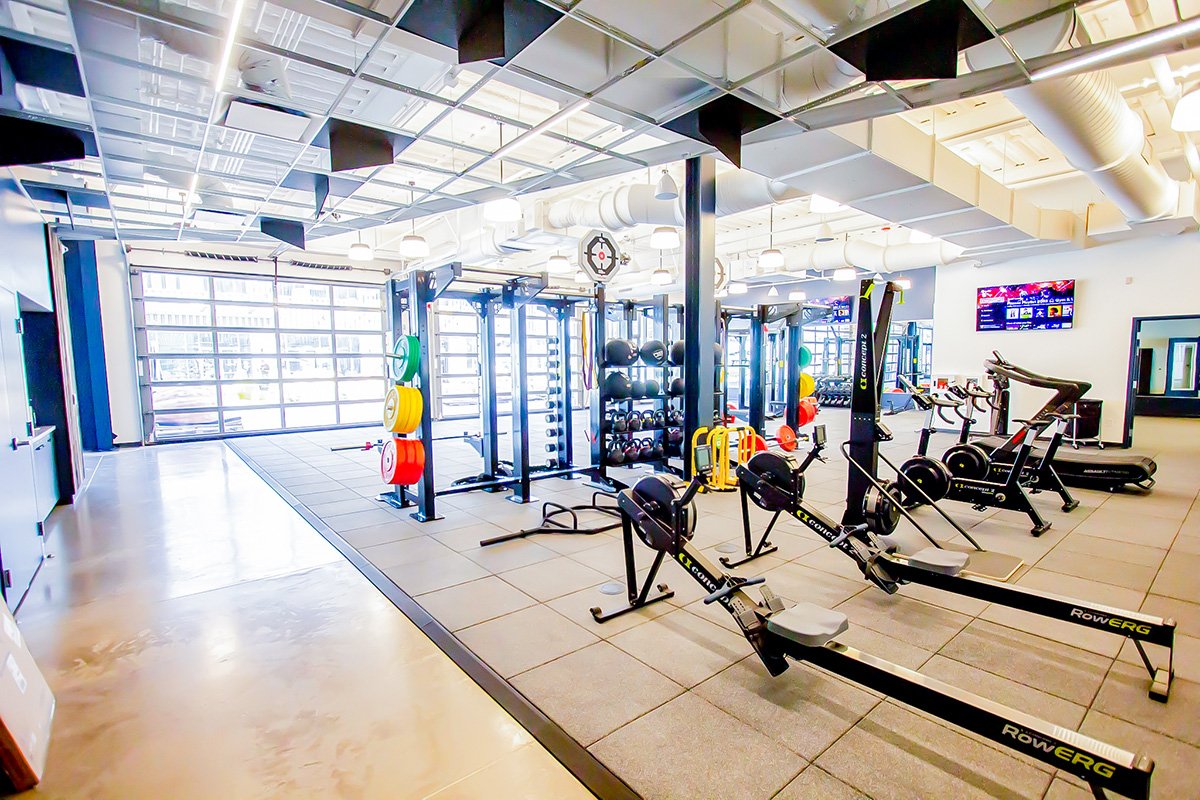
For corporate fitness spaces, gyms, and on-site fitness centers, design can positively impact a space in so many ways. By incorporating basic principles and following all best practices early on in your project, you can create an environment that will attract new users and keep them coming back again and again.

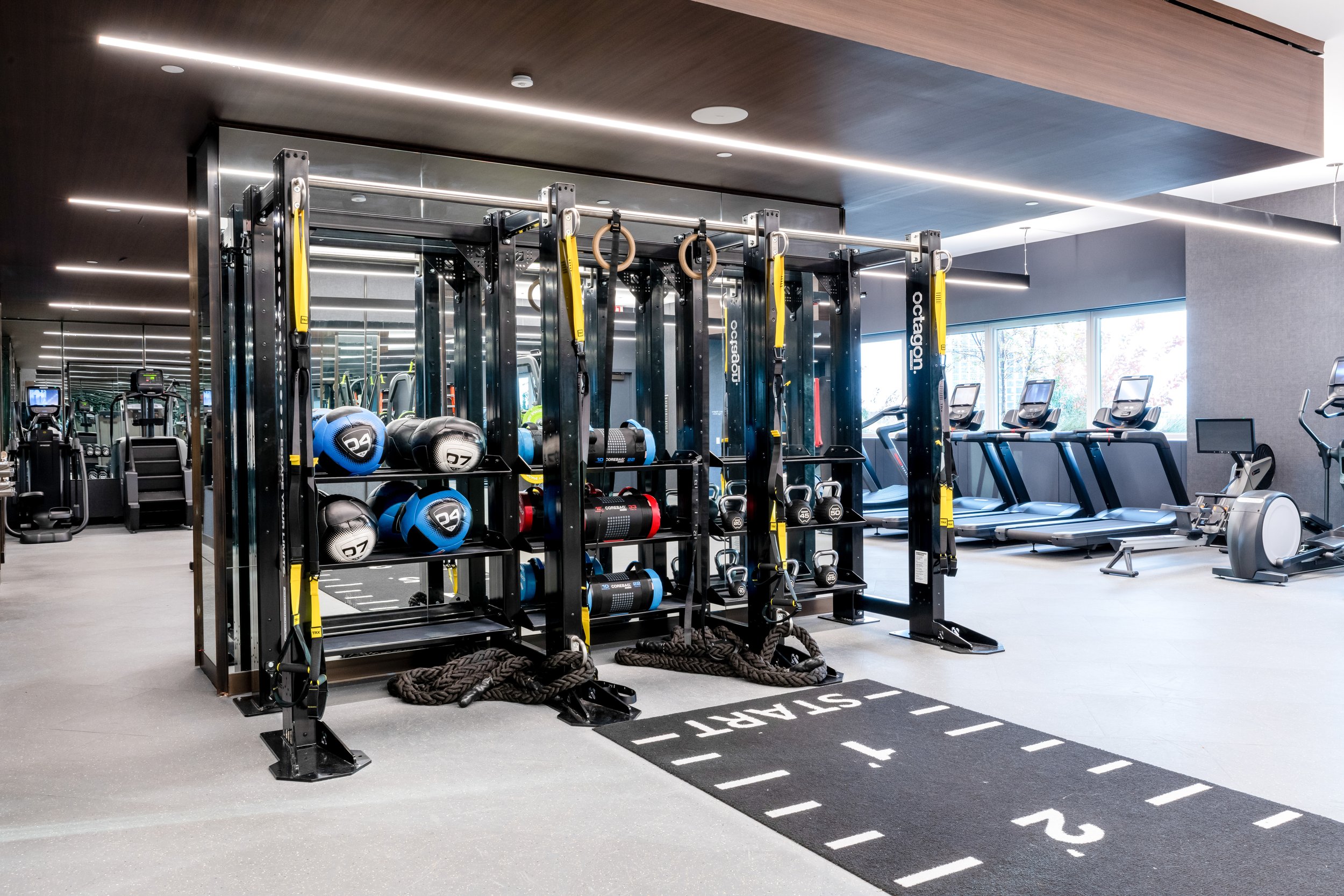
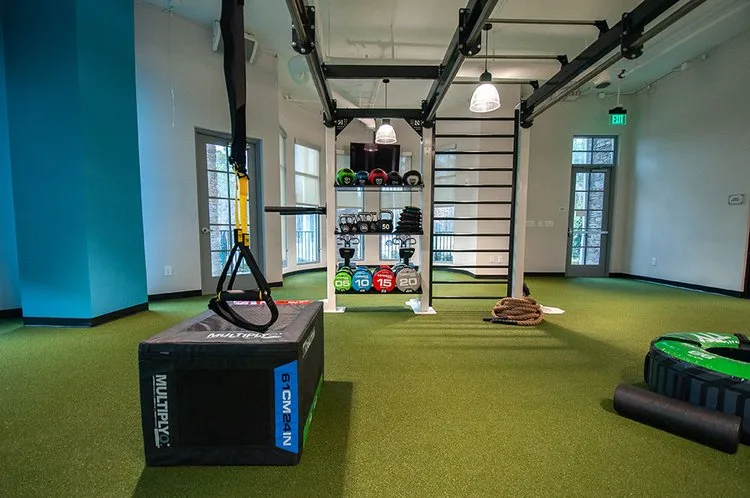
At Advantage Sport & Fitness, we have a variety of options for customizing your equipment and tailoring your space to fit the personalized needs of your organization, as well as the people who are using that space to work out.

Here are three impactful ways to customize your fitness space, with plenty of options and examples for how we can help you get it done.

Personalized Color & Design
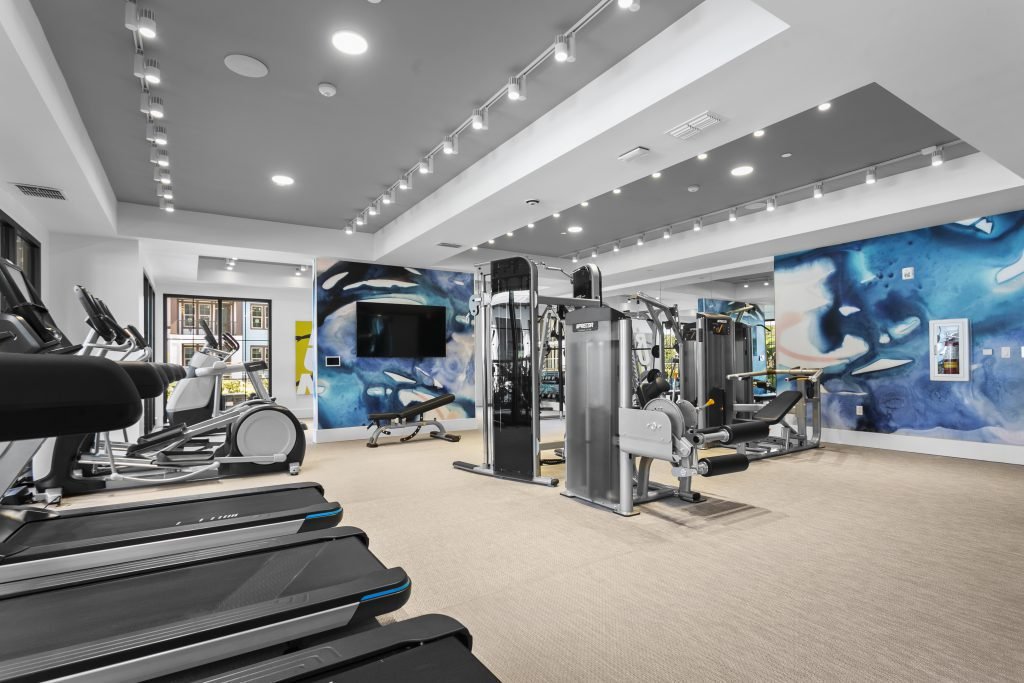
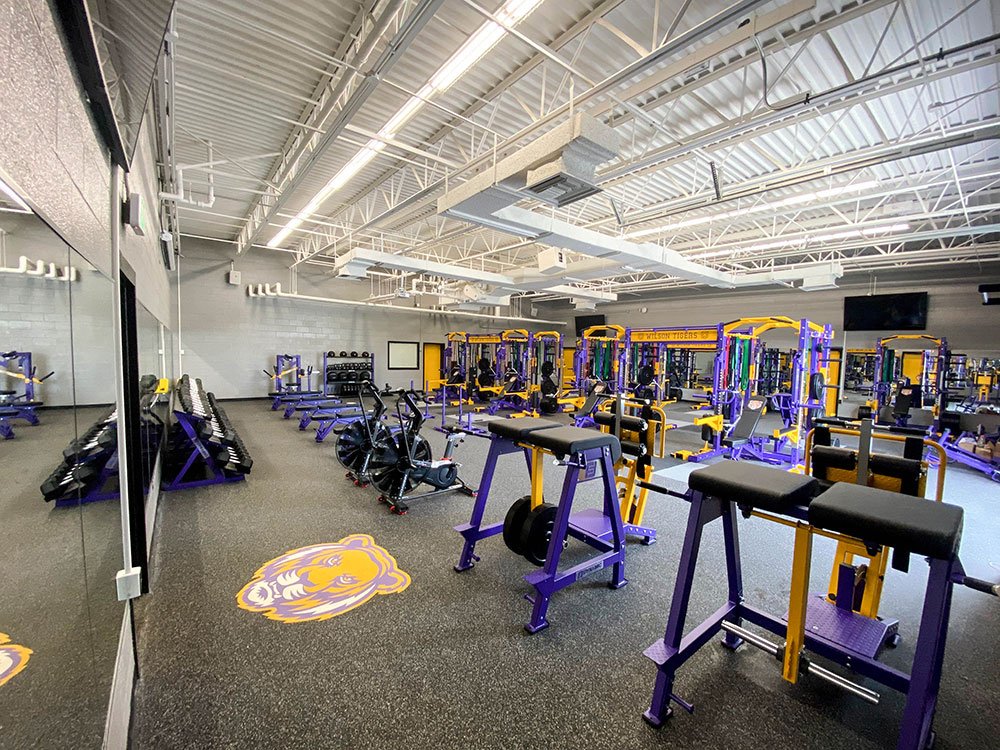
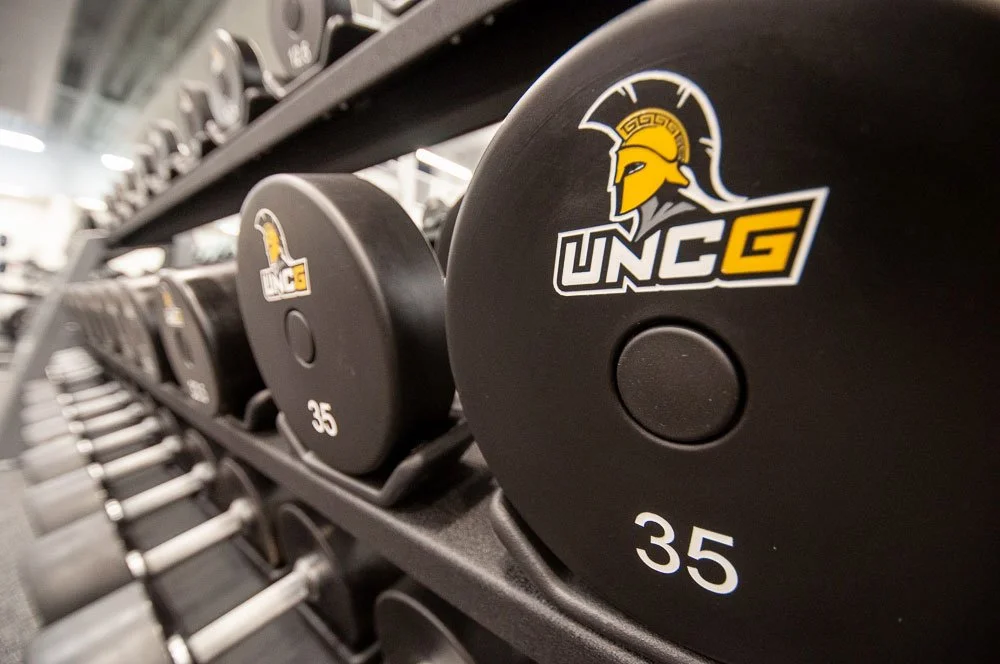
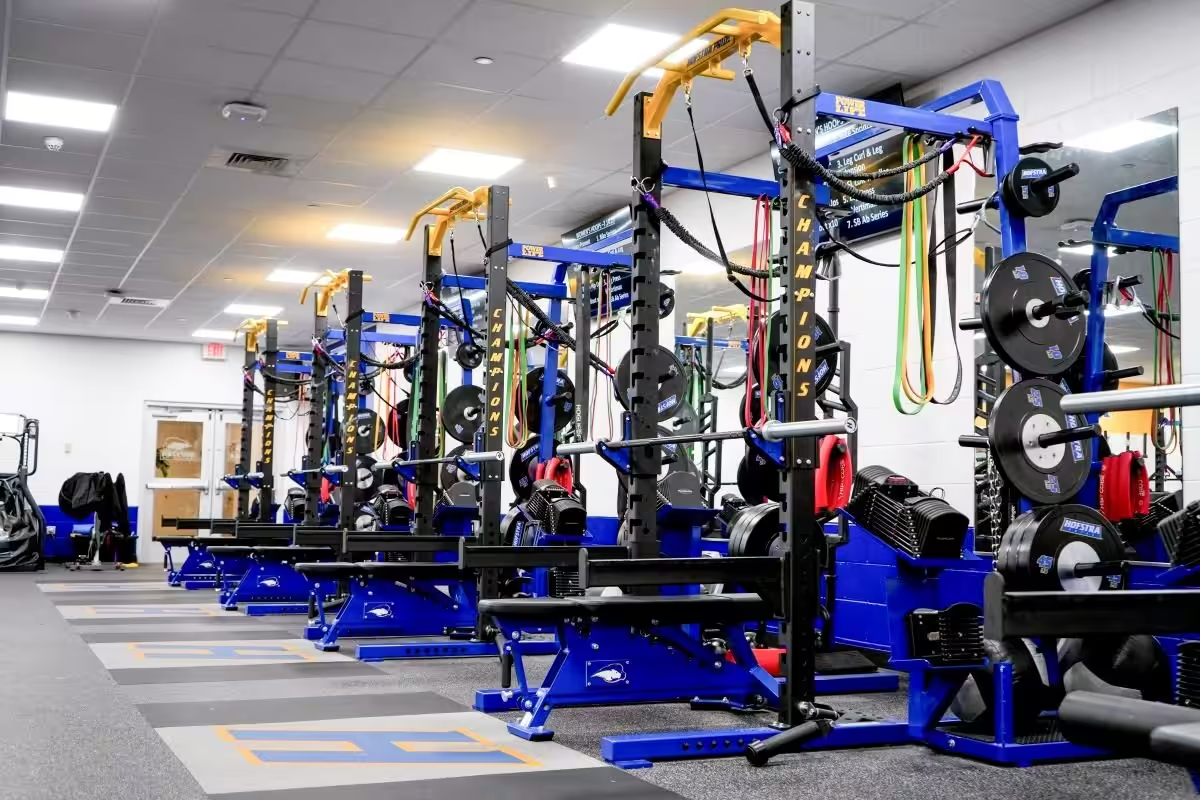
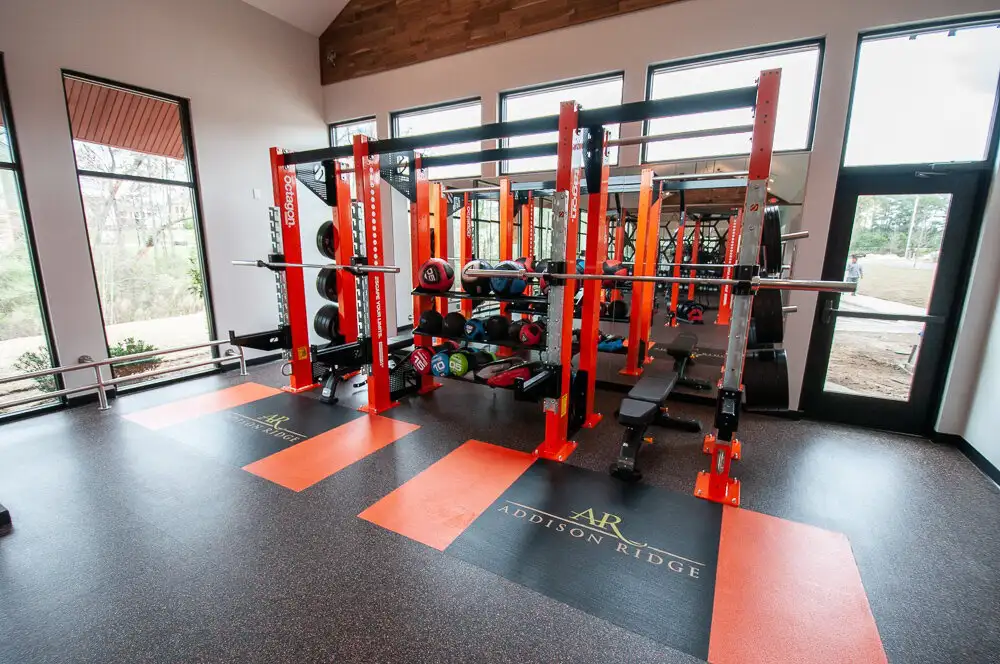
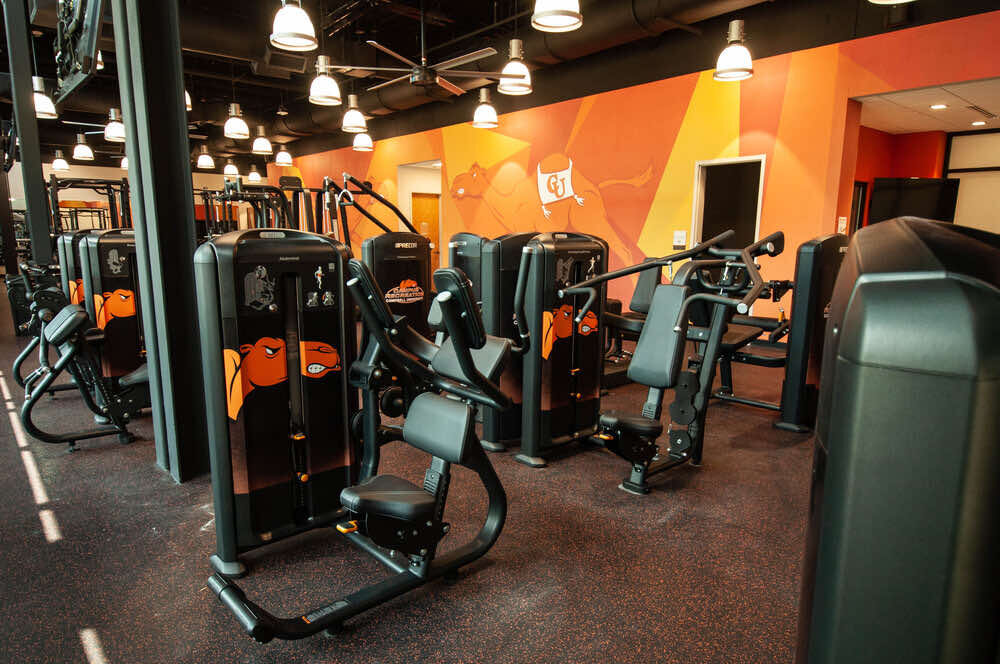
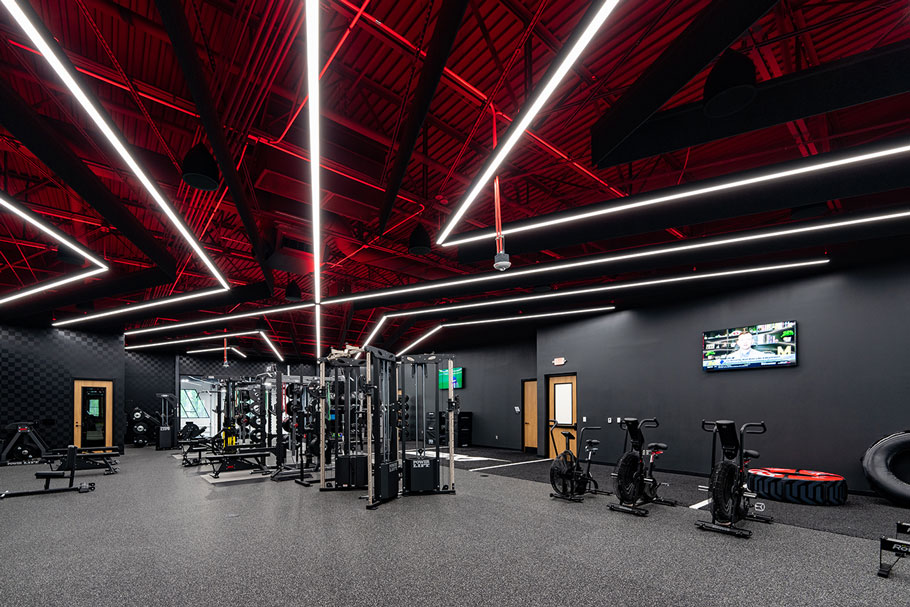
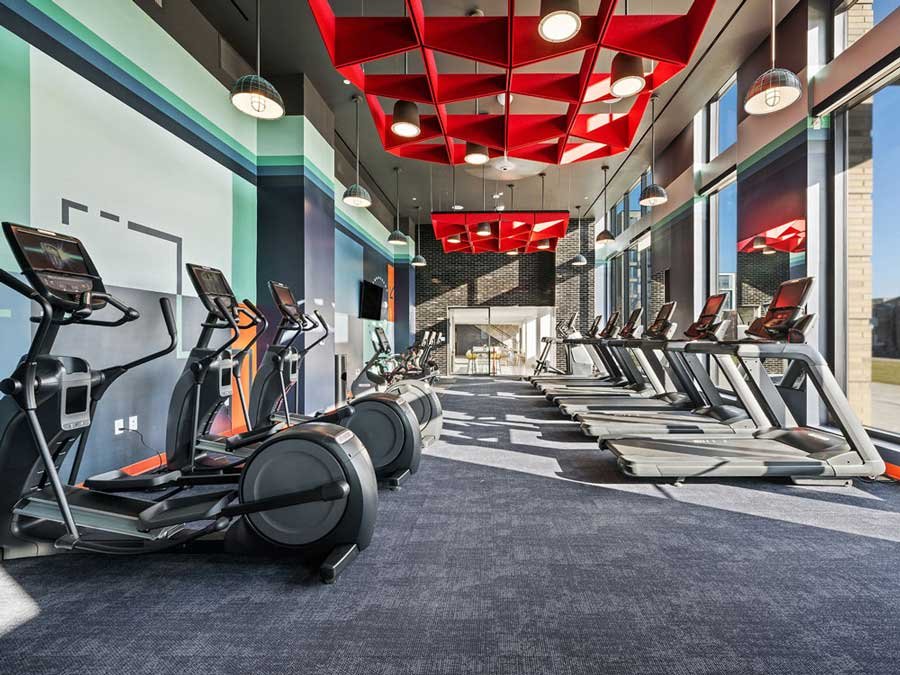
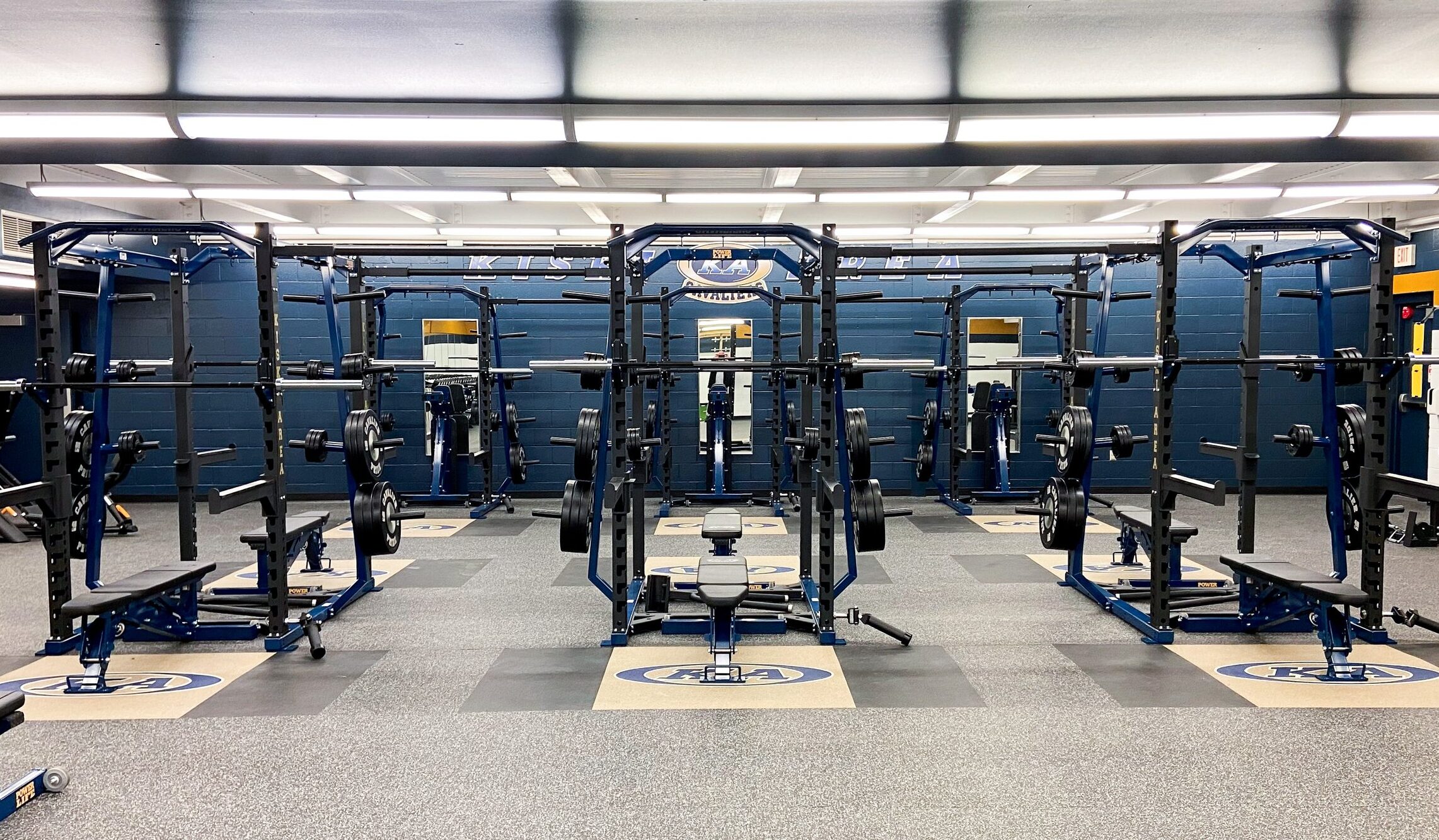
Reinforcing your company values through color and imagery goes a long way. That’s why we recommend using your organization’s brand colors, imagery, and logos when designing an onsite fitness space.

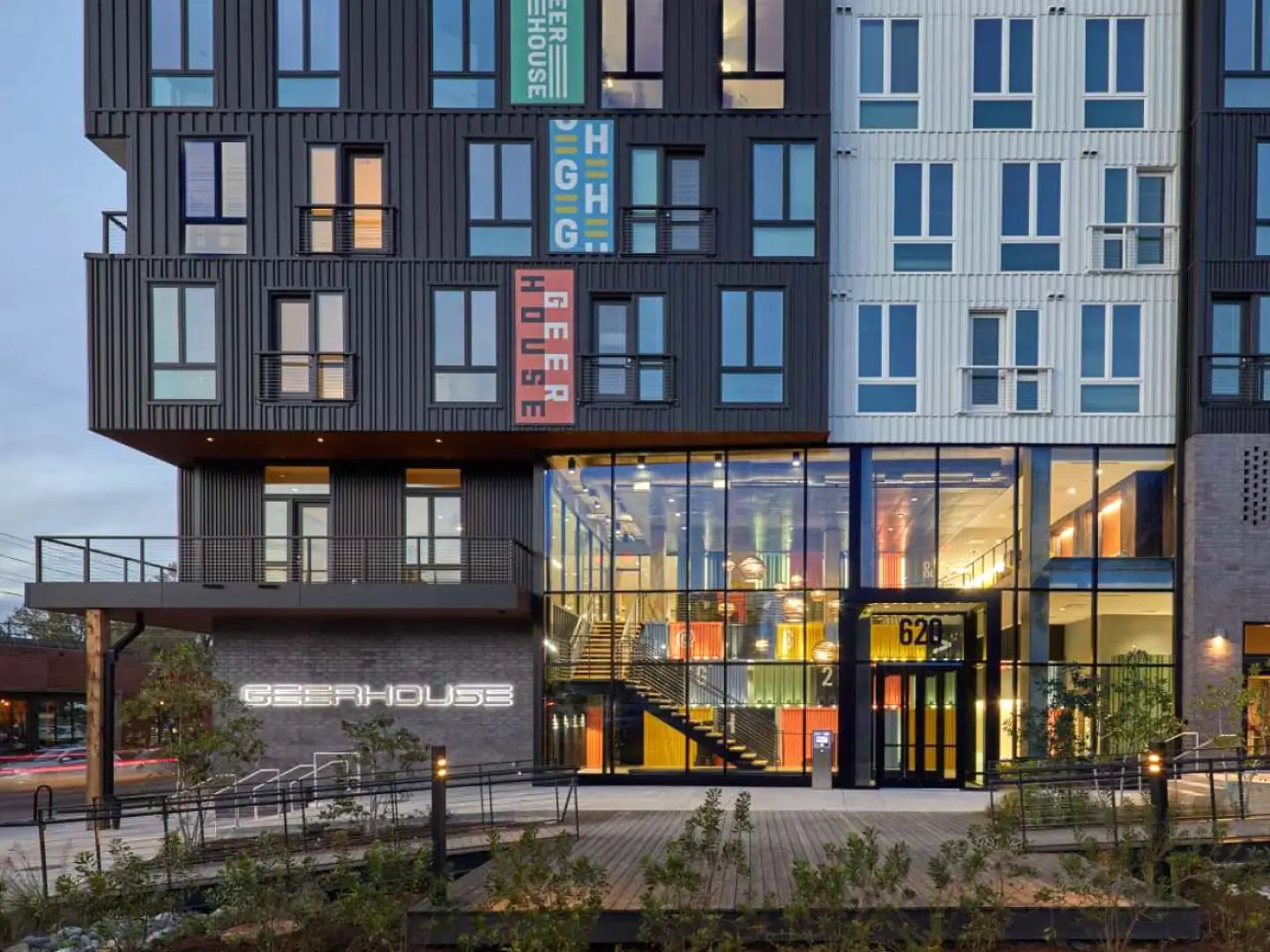
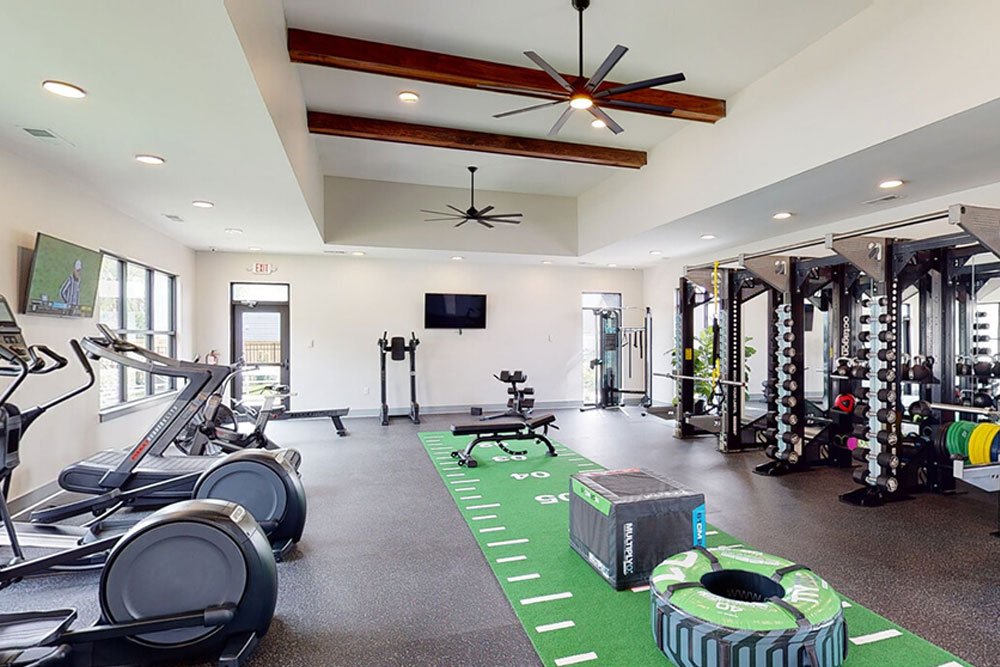
Draw people into your fitness space with inspirational branding, images, and design. For schools, universities, and workplaces, you’re helping to increase morale and inspire the people using your facility. Similarly, multifamily properties can use color to make their space more inviting and attractive to both current and future residents.

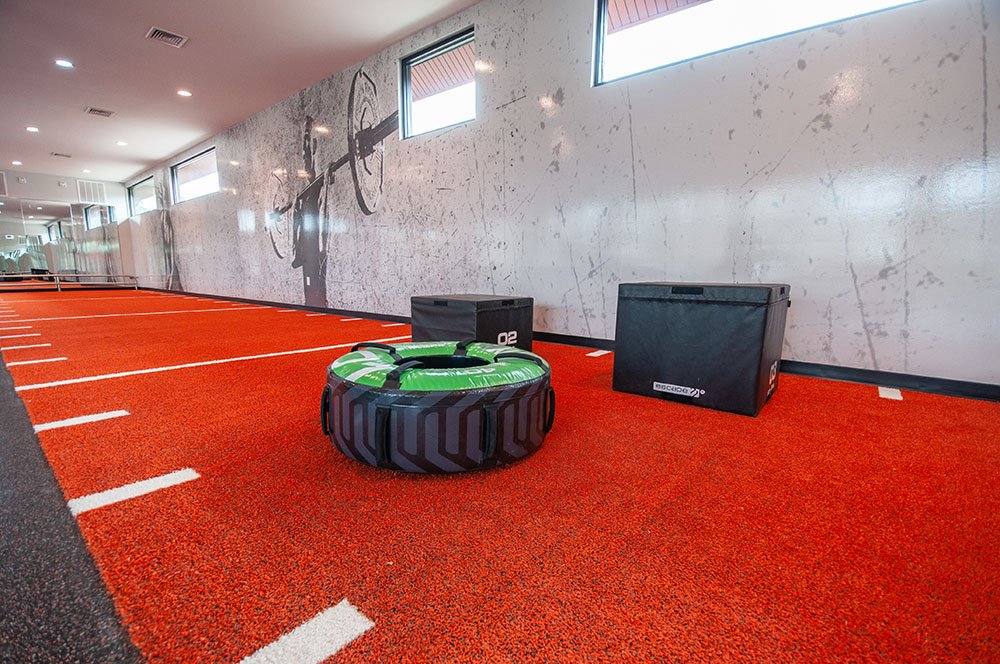
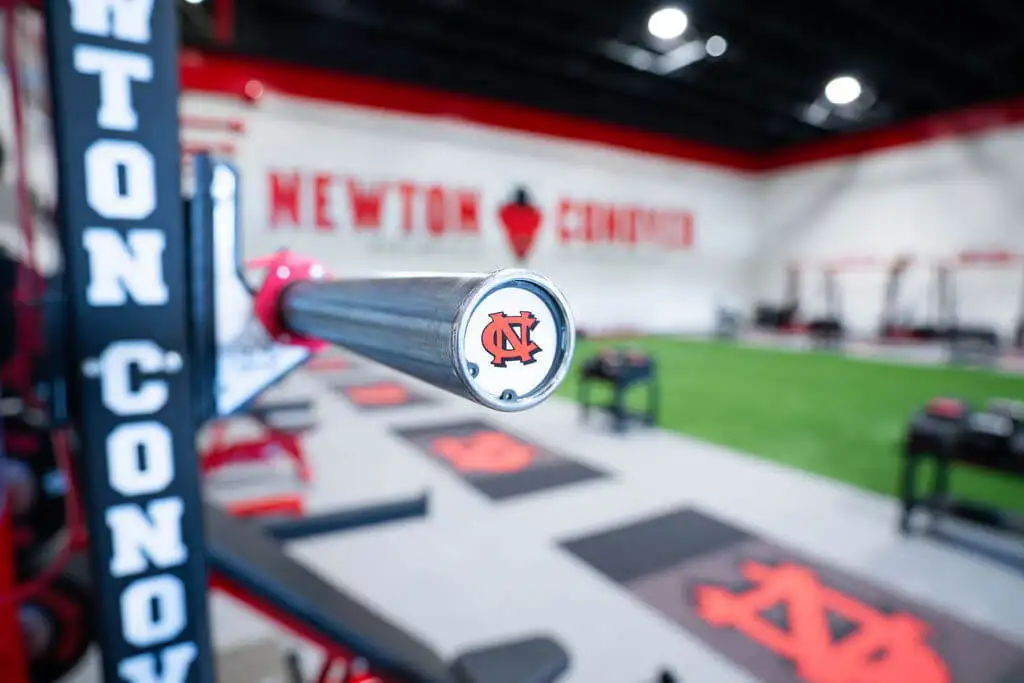
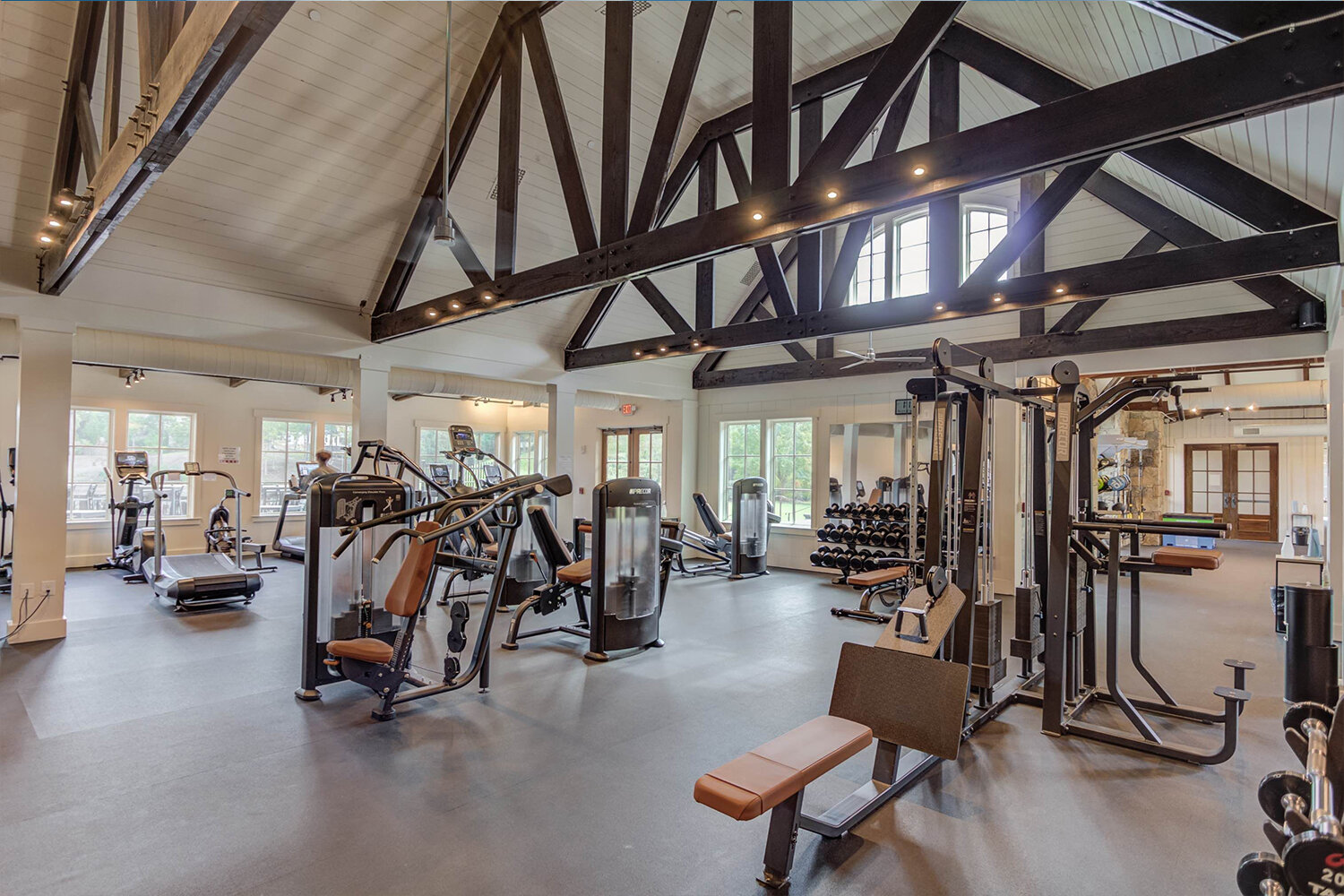
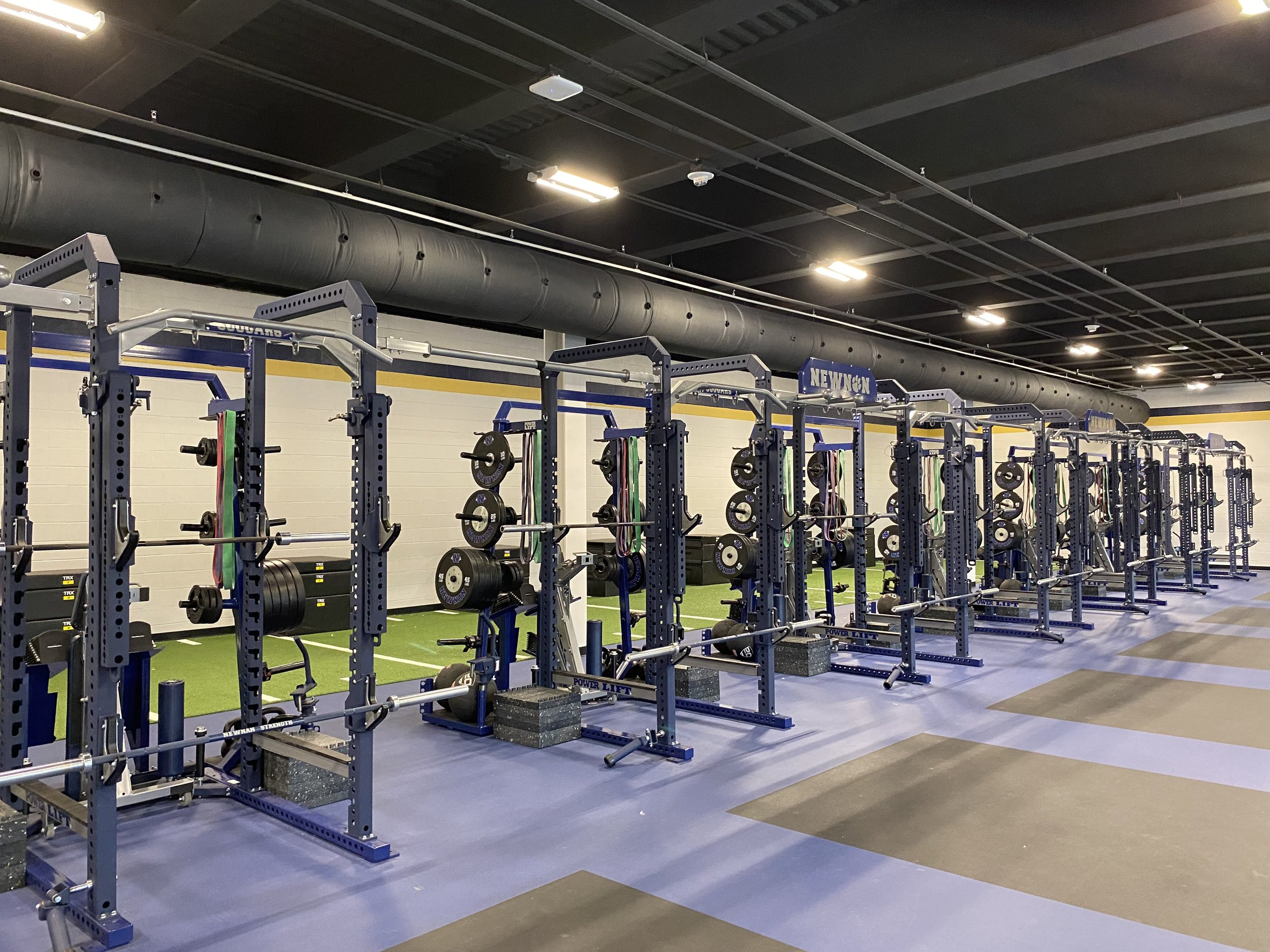
Tailor your space to meet the needs of its users. An easy way to take your space to the next level is by using our exercise-appropriate, acoustic flooring designed by Ecore. Options include custom-branded weightlifting platforms, turf lanes, and more.

Custom Branding Your Equipment & Facility

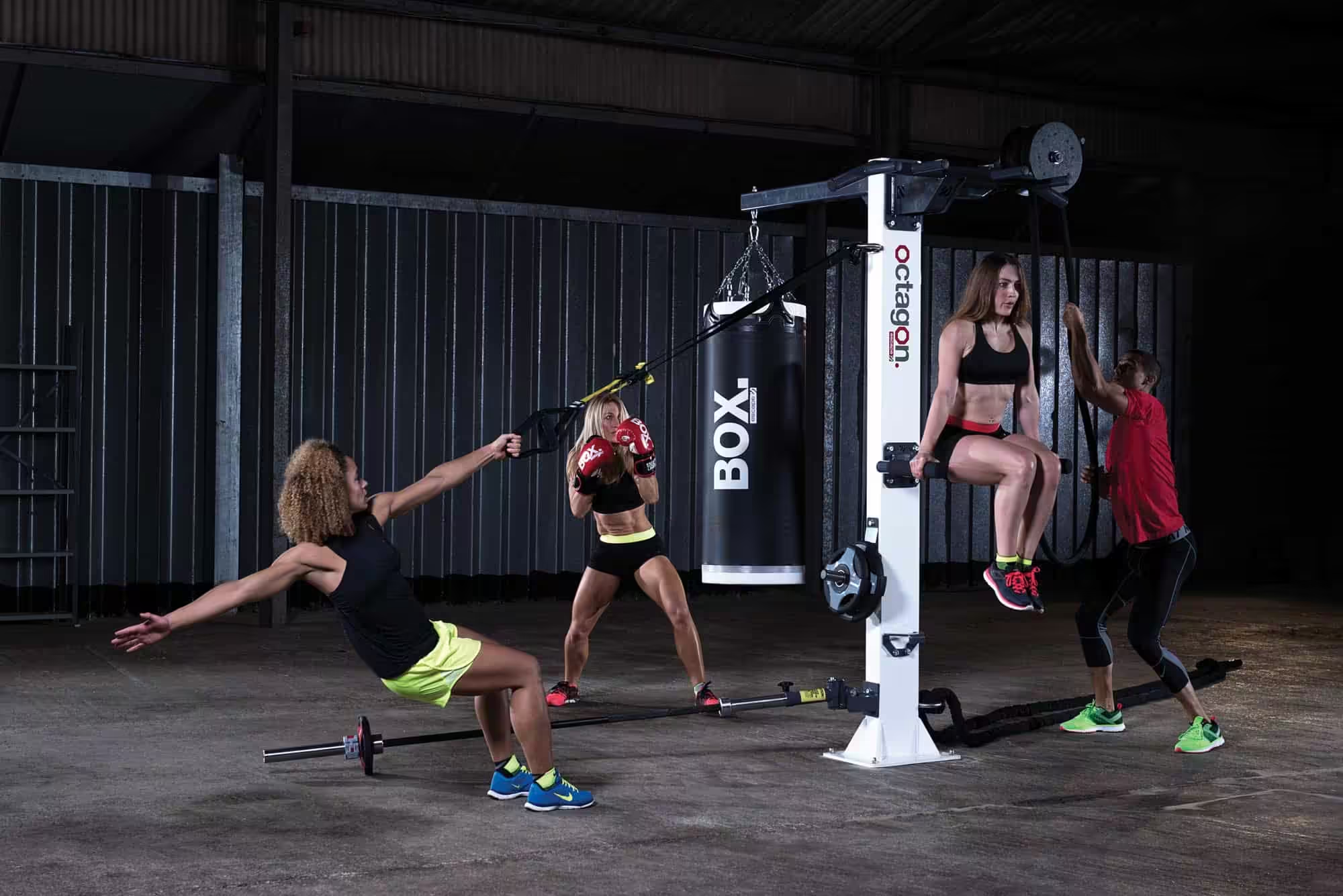
At Advantage, we partner with a select number of industry-leading brands to create custom-branded fitness equipment, functional fitness tools, free weights, mats, flooring, and more with your organization’s logo or imagery.

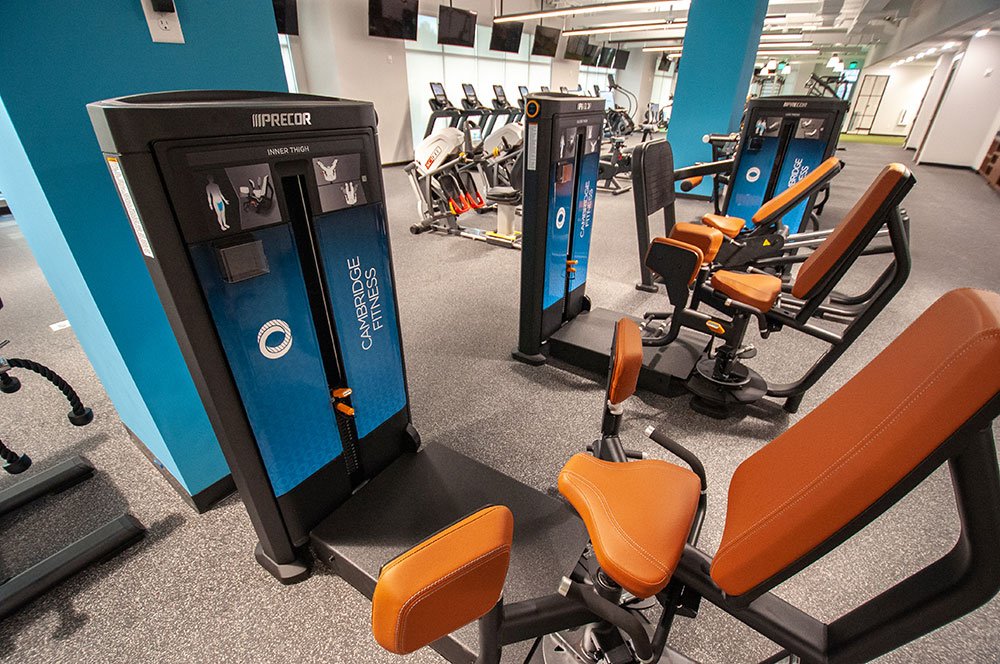
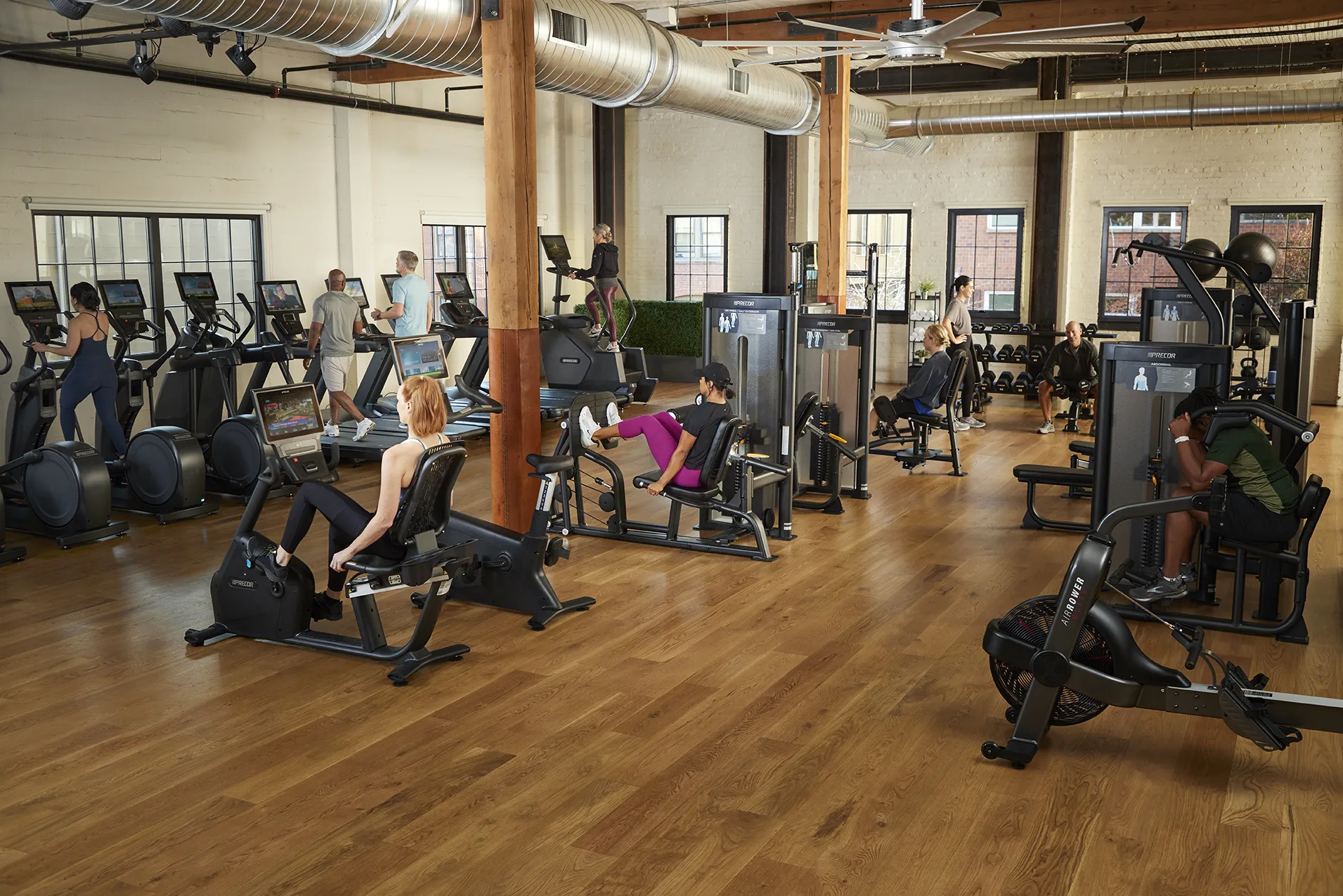
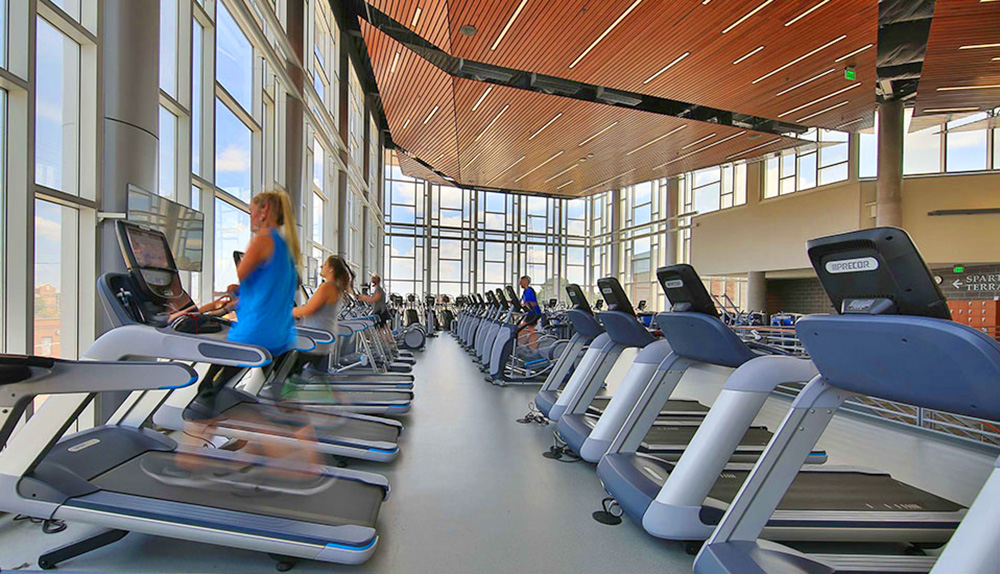
Outfit your fitness space with top-of-the-line strength training equipment from Precor. The Resolute/Discovery line has a wide variety of frame and upholstery colors to complement and enhance your design.

In addition to your branding and colors on equipment, you can add custom wall graphics, unique messaging, and inspirational quotes to create an atmosphere that will motivate exercisers right when they need it most.

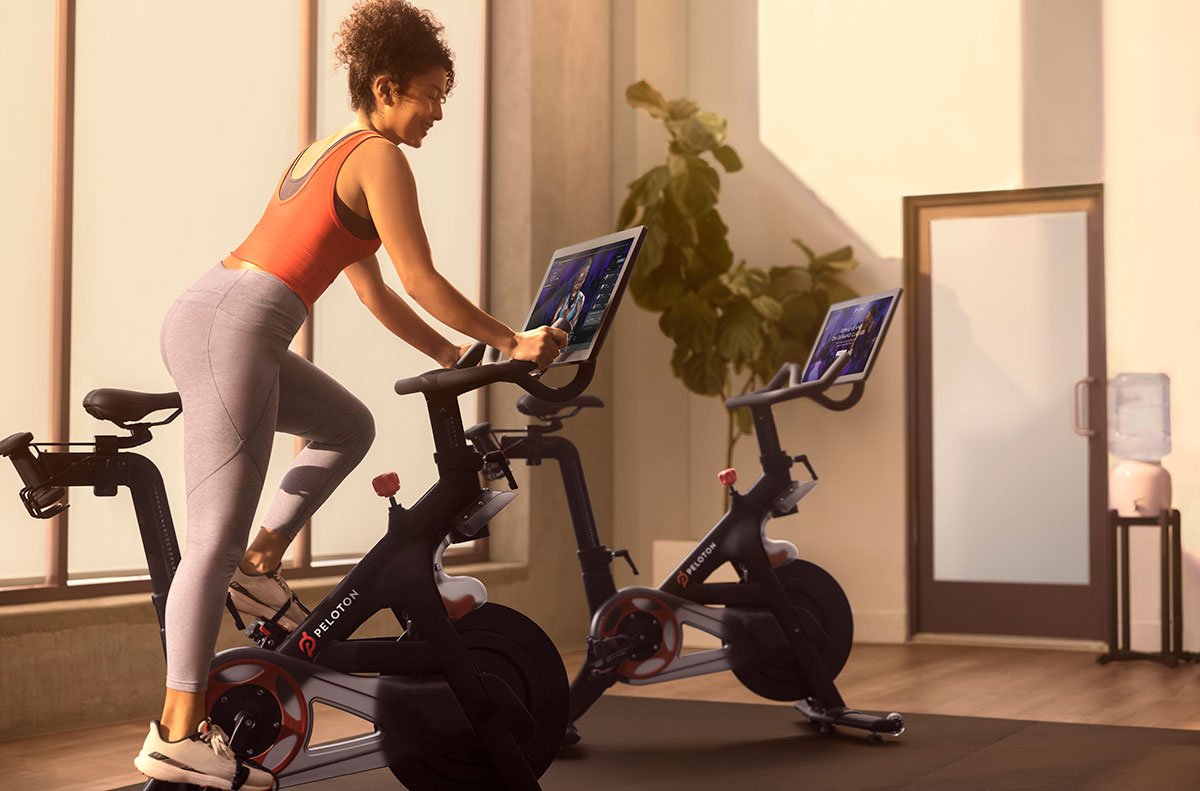
Interactive Fitness Technology

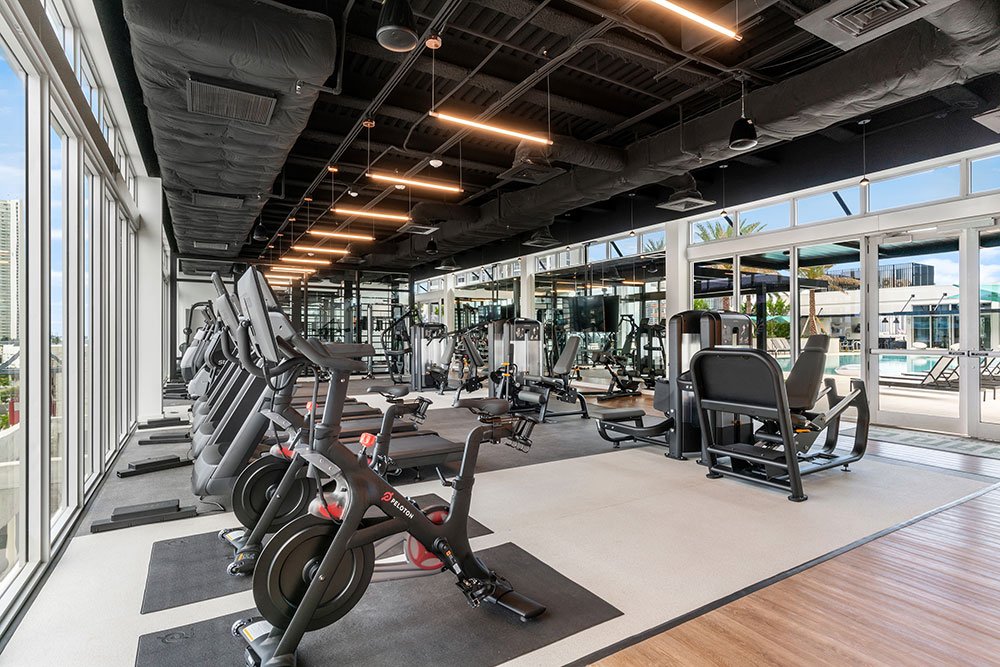
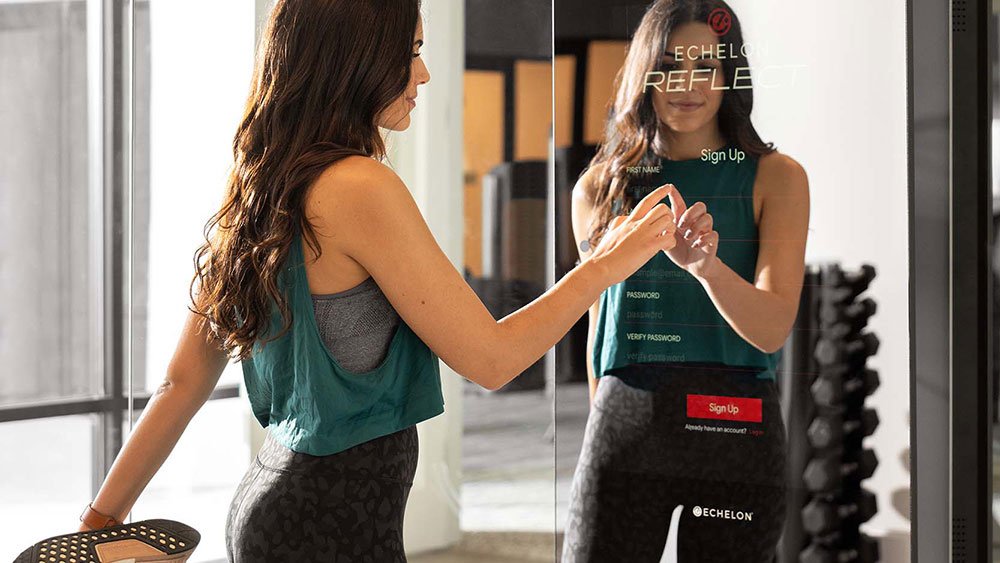
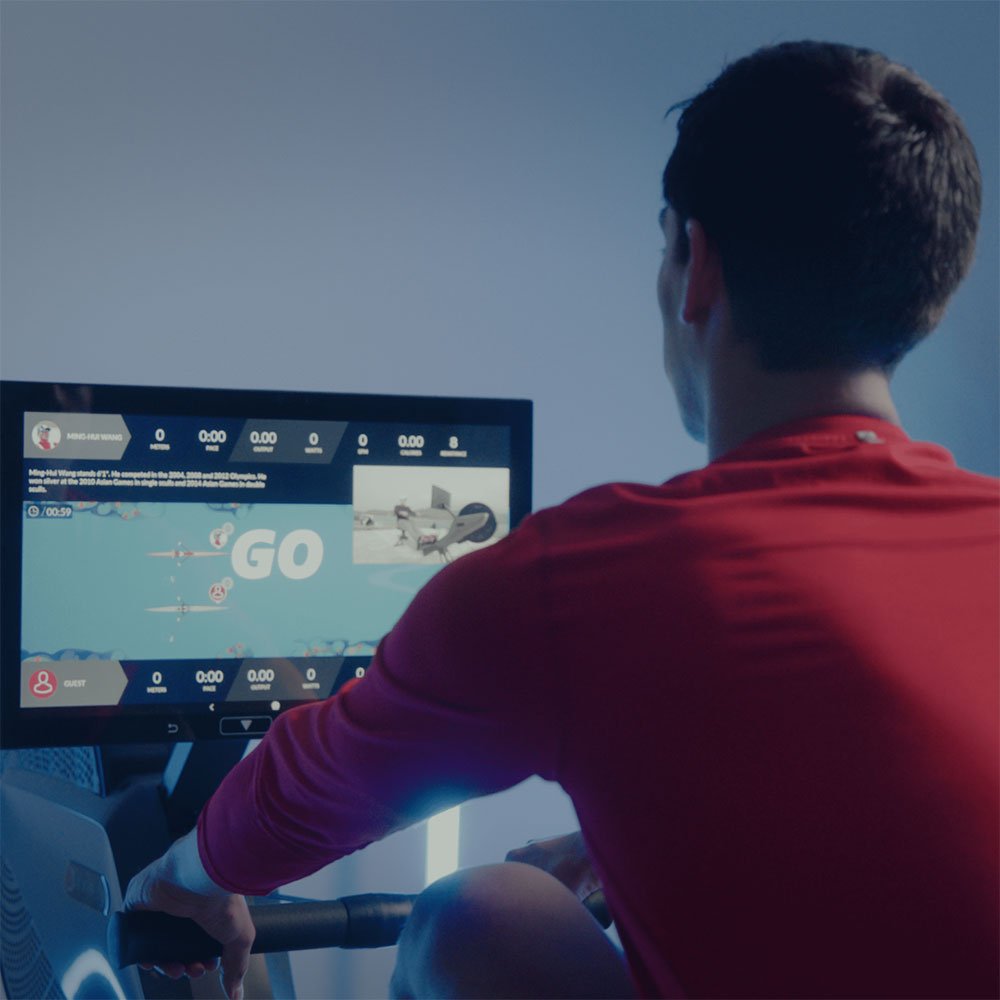
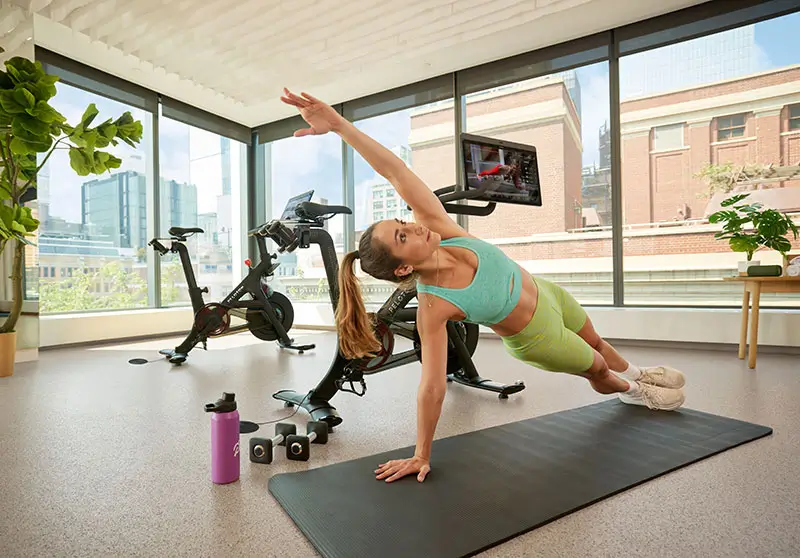
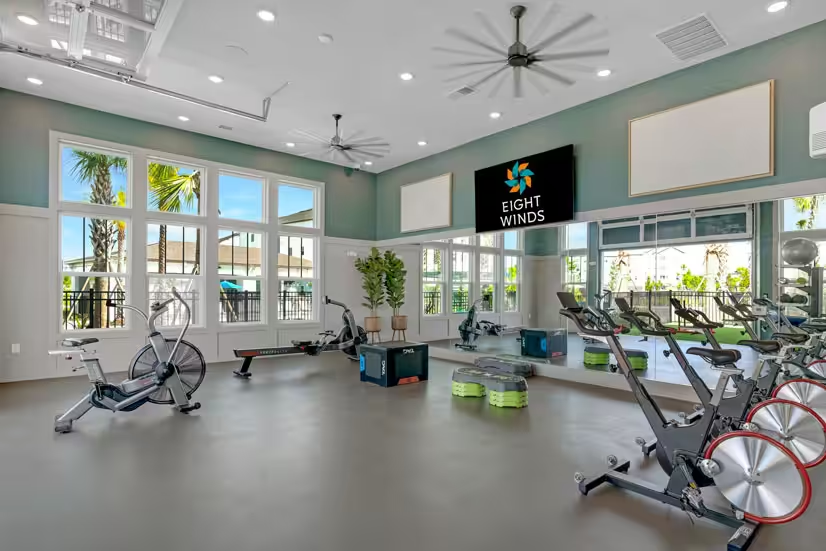
Finish your gym’s customization by adding interactive fitness equipment. Products like the Peloton Bike, Expresso Go Bike, Aviron Rower, and Echelon Reflect Mirror give users near unlimited choices for their workout—letting them personalize their routine to better meet their needs.

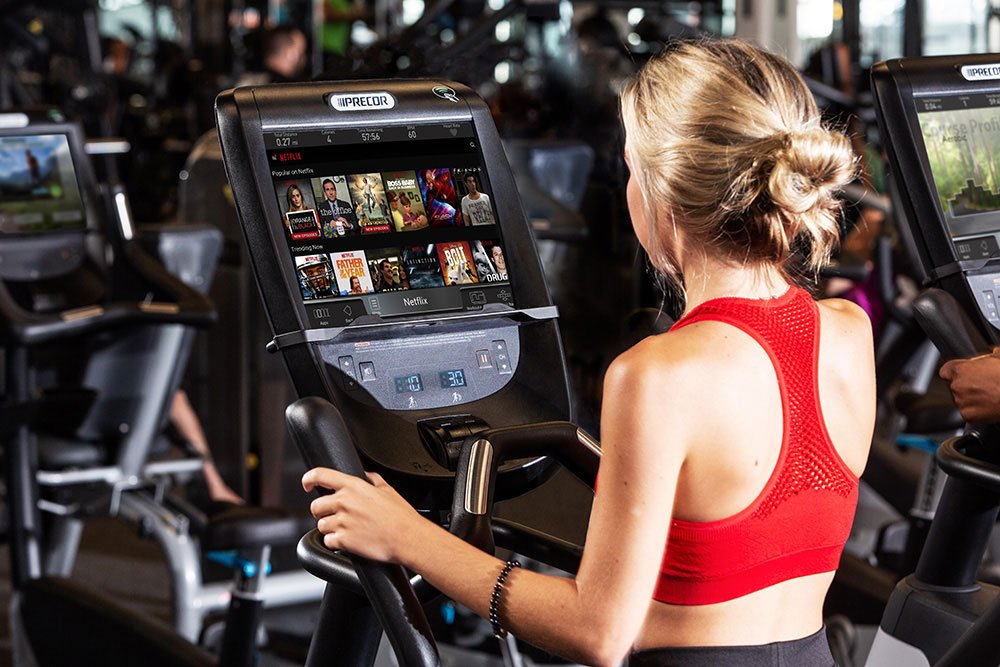
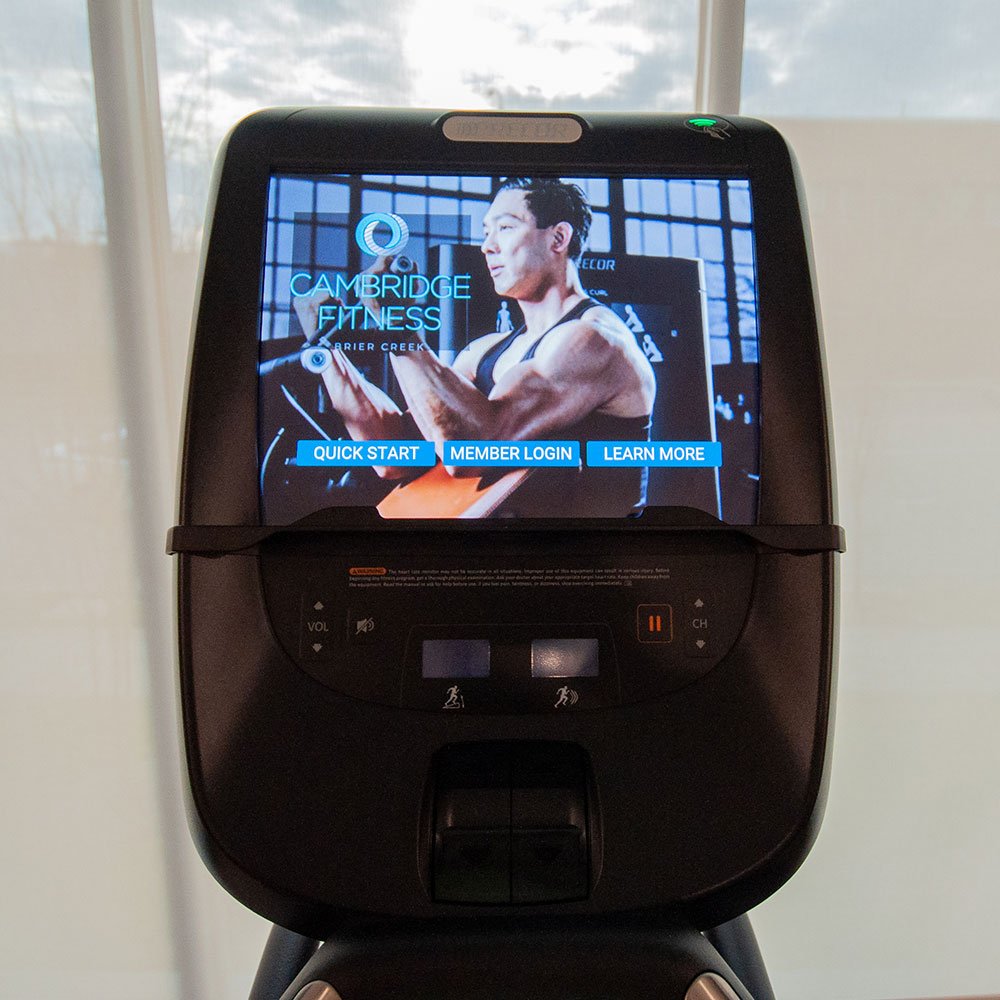
Our longstanding partnership with Precor allows you to mix and match console devices with the Precor Experience series of cardio equipment. This provides your clientele with ways to customize and better track their workouts whether they want something more unique and entertaining (virtual trail run in Italy, anyone?) or are just looking to get their workout in as quickly as possible.

In addition, you can add personalized messaging and branding to the interactive screens on your Precor cardio equipment. Promote upcoming events, display organization imagery and logos, or include a unique message for users.

HOTELGYM_BIKE_MIDS_CYNTHIA_.jpg NYSC_Long_Island_0298-web.jpg Alta-Winter-Garden-Fitness-Mirror-Lifestyle-cropped.jpg 14.jpg

Design a Gym That Leaves an Impression

As in-office and on-site fitness spaces increase in popularity, organizations must find a way to make their fitness spaces really stand out. We can help with that.

No matter what kind of exerciser you’re trying to reach, we have a personalized design and installation process that will help you build a gym that will get people engaged and moving. Learn more about our process here or reach out to us today to discuss your next project.

Our services

We are ready to support your facility in every phase.

Partner Brands

Explore our collection of partner brands.

All Partner Brands
Case Studies

Examples of our work.

All Case Studies